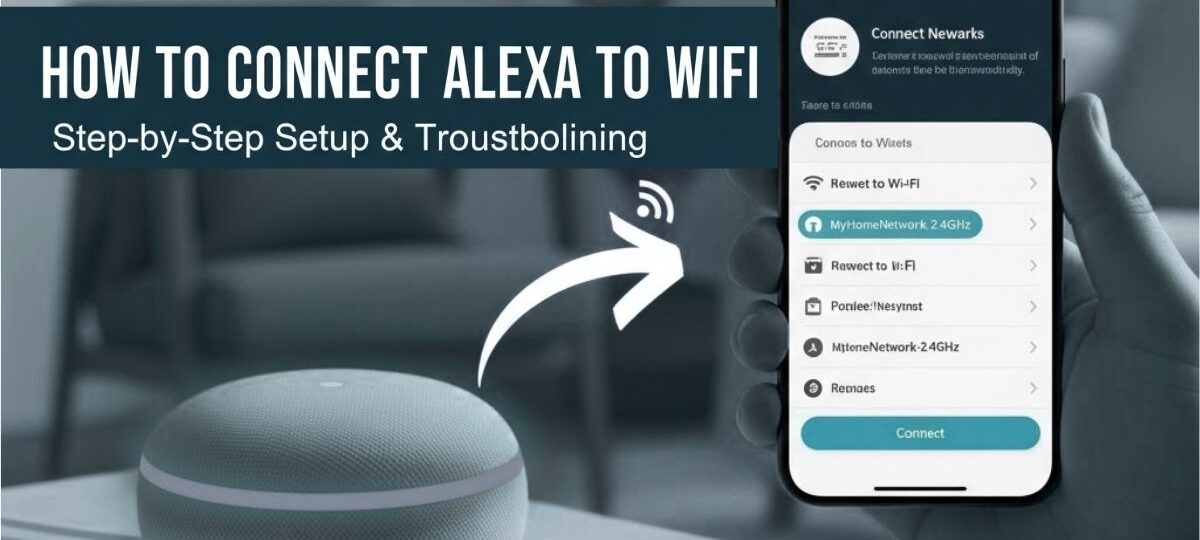
Setting up Alexa with Smart Plug: A Step-by-Step Guide
In today's digital age, smart home technology has become increasingly popular, and one of the most convenient ways to control your appliances is by setting up Alexa with a smart plug. But have you ever wondered how to do this?
What is a Smart Plug?
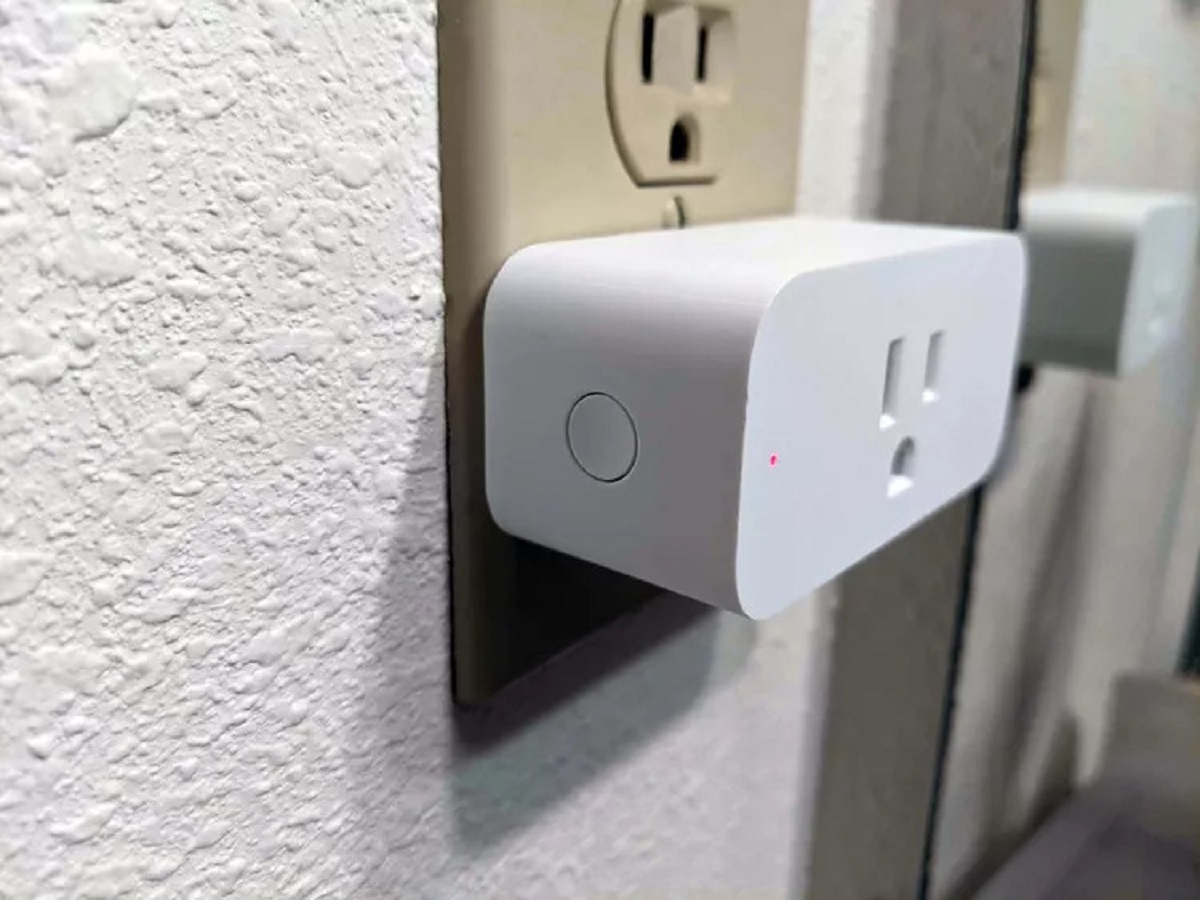
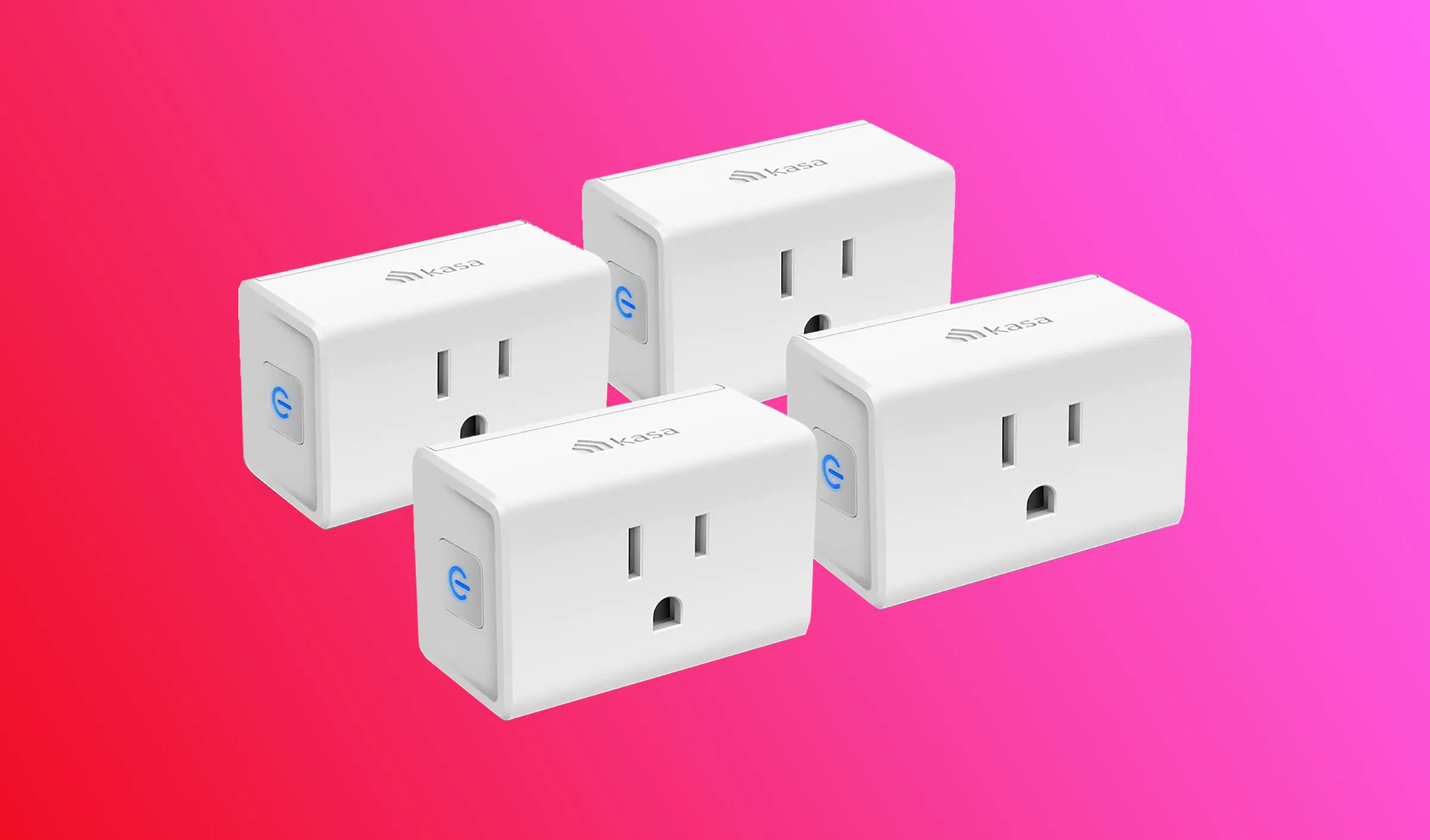
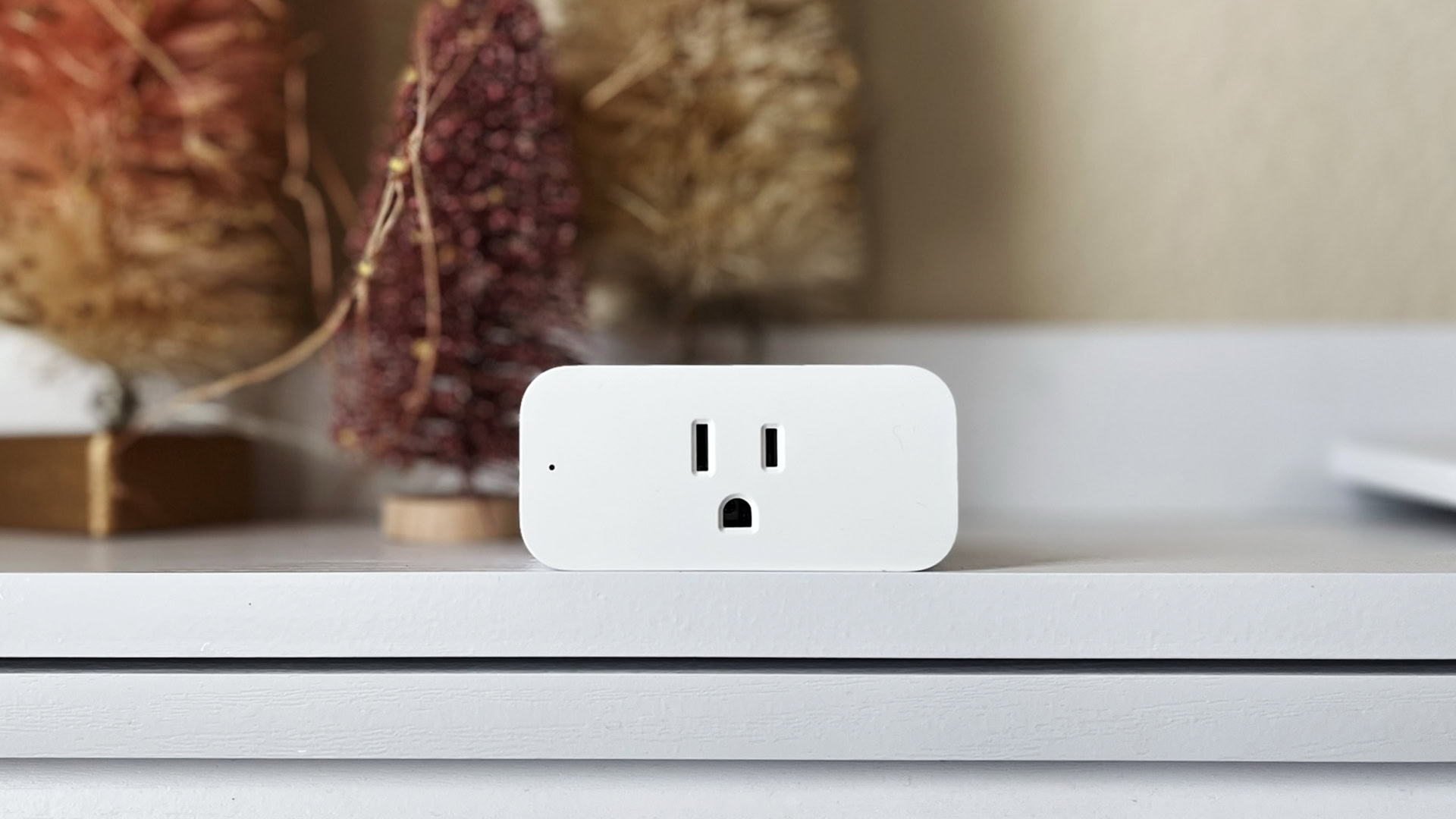
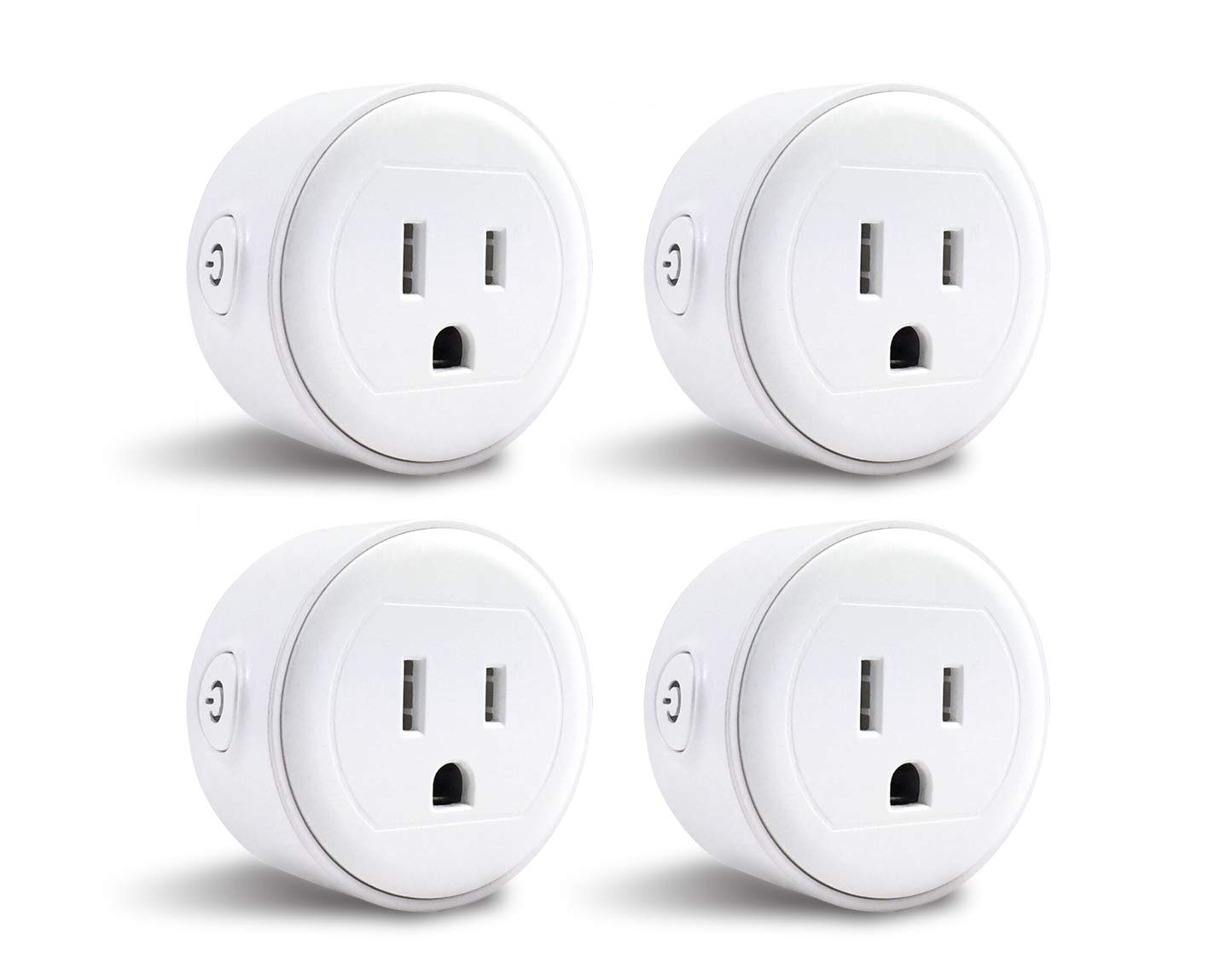
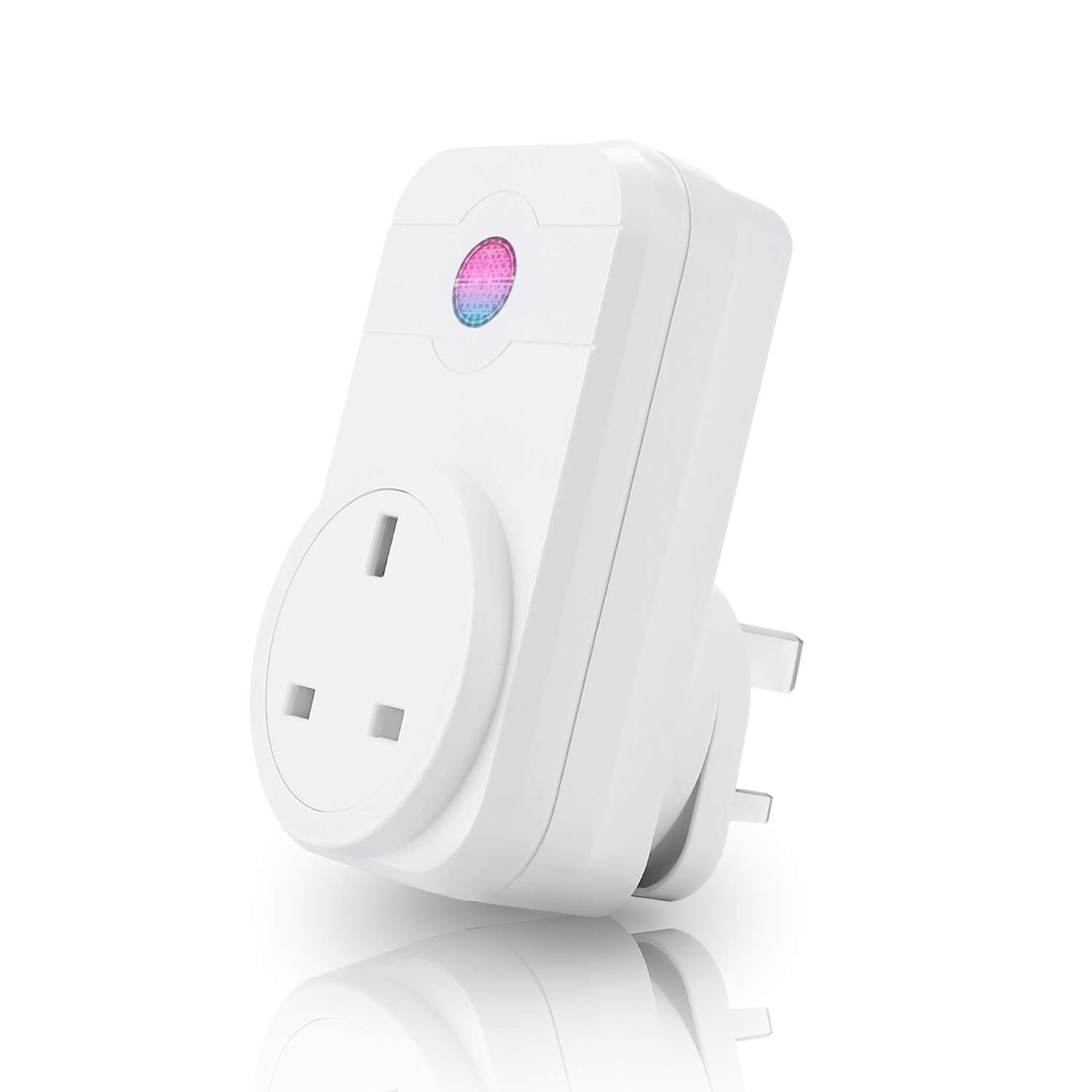
A smart plug is a small Wi-Fi-enabled power adapter that plugs into a regular wall outlet and controls the flow of electricity to connected devices. It's a simple and affordable way to turn any device into a smart device, making it possible to control it remotely using a smartphone app or voice commands through Alexa or Google Assistant.
The Benefits of Setting up Alexa with Smart Plug
Setting up Alexa with a smart plug offers numerous benefits, including:
- Convenience: Control your devices with just your voice or the Alexa app.
- Energy Efficiency: Monitor energy consumption and optimize your usage.
- Automated Routines: Set up automated routines to turn on and off devices at specific times.
- Home Security: Turn off devices remotely when not in use to prevent power drains and potential fires.
- Integration: Seamlessly integrate your smart plug with other smart devices and voice assistants.
Step-by-Step Guide to Setting up Smart Plug with Alexa
Setting up a smart plug with Alexa is a straightforward process that requires:
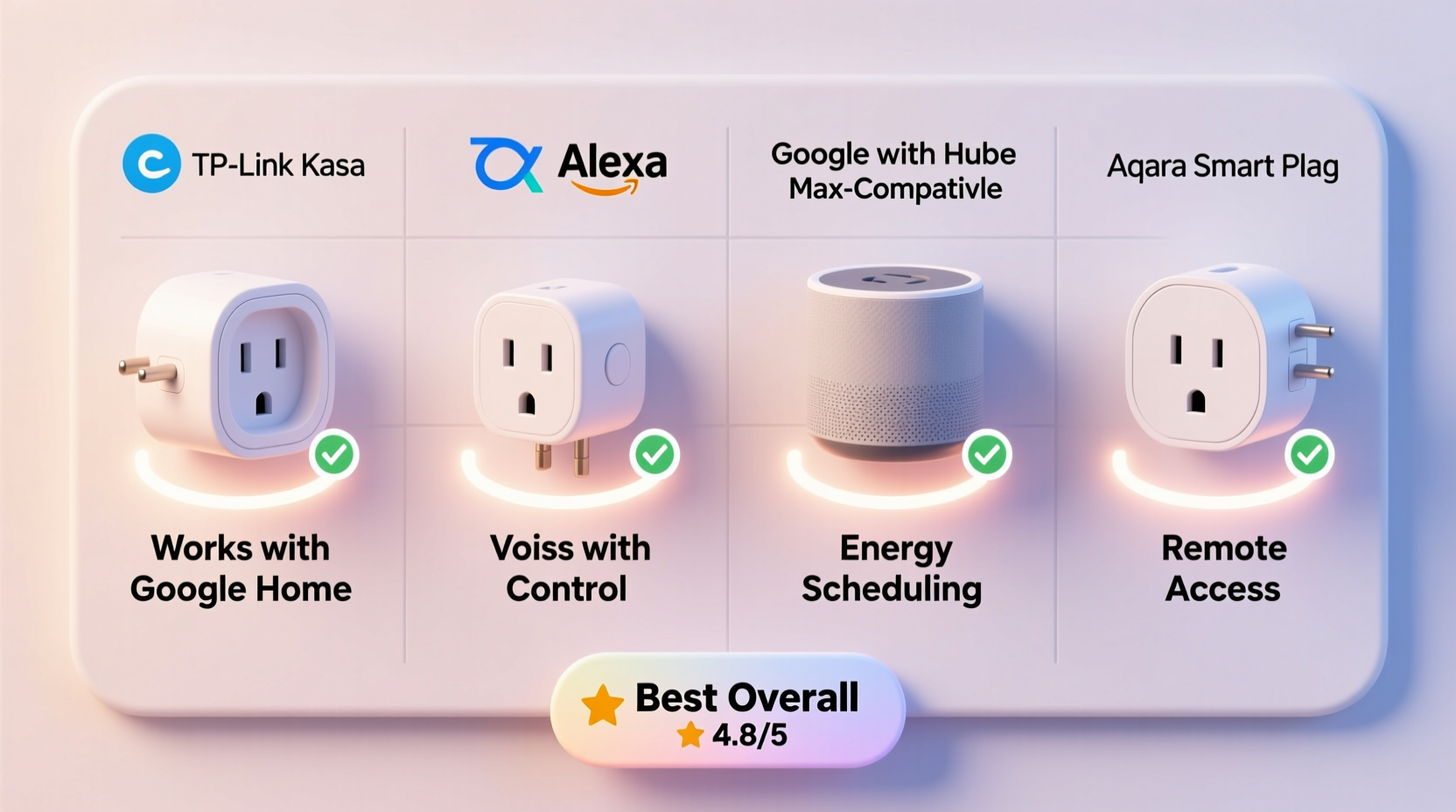
- A compatible smart plug with Alexa support.
- The Alexa app installed on your smartphone or tablet.
- A stable internet connection.
- Access to the power outlet where the smart plug will be installed.
Step 1: Download and Install the Alexa App
Download the Alexa app from the app store on your smartphone or tablet and install it.
Step 2: Connect to Wi-Fi
Connect your device to your Wi-Fi network. Make sure it's a 2.4GHz network for optimal compatibility.
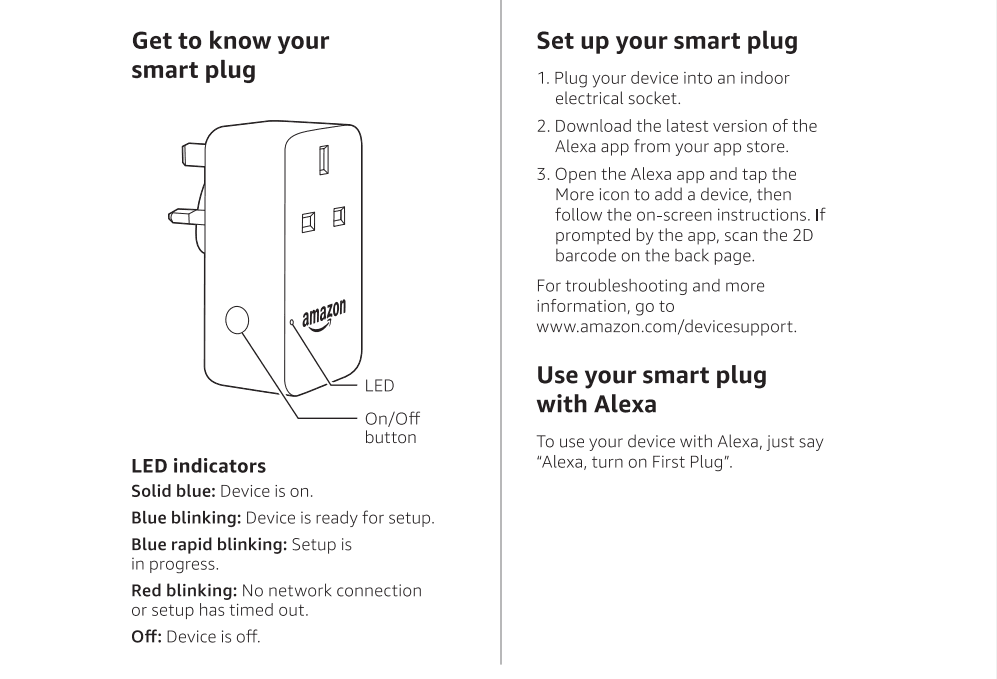
Step 3: Add Device to Alexa
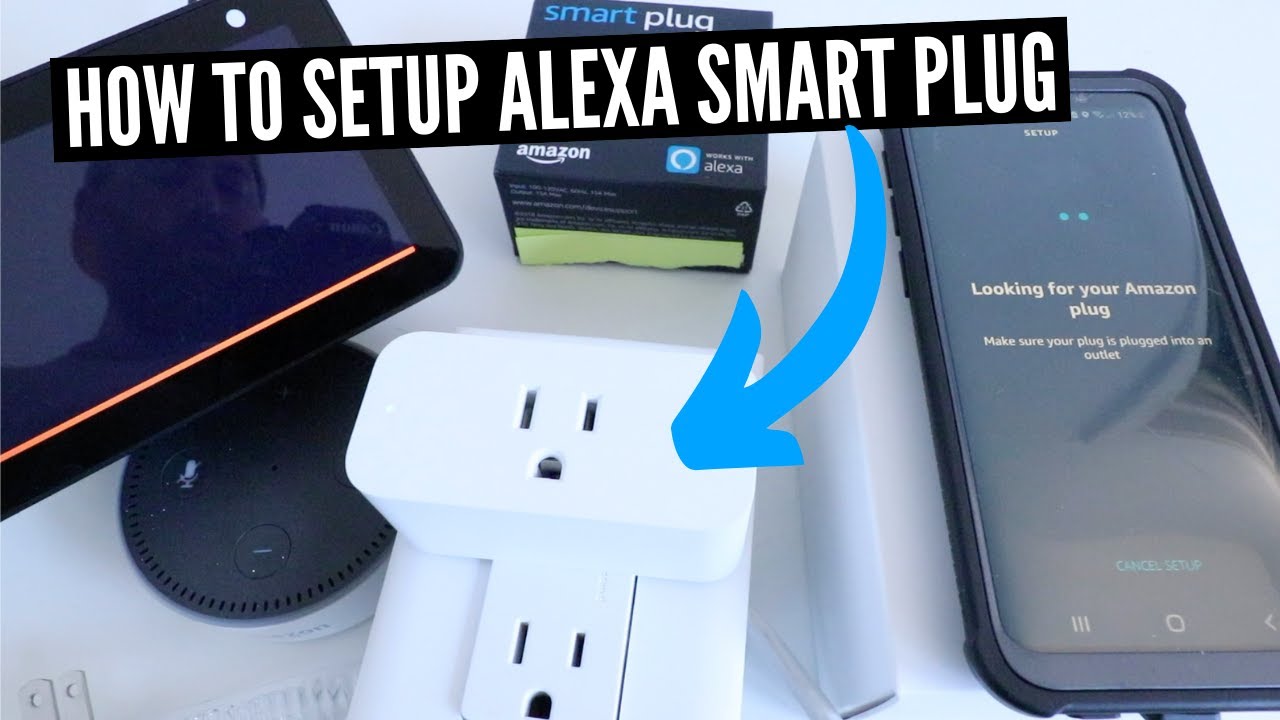
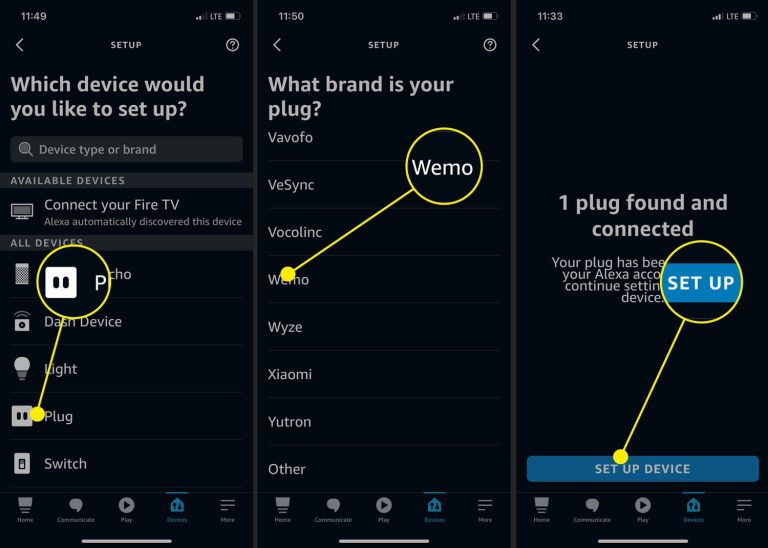
Launch the Alexa app and navigate to the Devices tab. Tap on the "Add Device" button and select "Plug" from the list of device types.
Step 4: Set up Smart Plug
Follow the on-screen instructions to complete the setup of your smart plug. This may involve entering a network password and associating the device with your Alexa account.
Step 5: Pair Smart Plug with Alexa
Once the setup is complete, the smart plug will be paired with your Alexa account. You can now control it using voice commands or the Alexa app.
Setting Up Voice Commands with Alexa and Smart Plug
To set up voice commands with Alexa and your smart plug, follow these steps:
- Check compatibility: Ensure that your smart plug supports voice commands with Alexa.
- Update the Alexa app: Make sure you have the latest version of the Alexa app installed.
- Connect to Wi-Fi: Ensure that your device and smart plug are connected to the same Wi-Fi network.
- Enable Skills: Activate the Alexa skill for your smart plug.
- Name the Smart Plug: Give your smart plug a name for easy identification.
Troubleshooting Tips
Common issues with setting up Alexa with smart plug include:
- Wi-Fi connectivity issues.
- Incompatible devices.
- Incorrect password or username.
- Smart plug not paired with Alexa.
Conclusion
Setting up Alexa with a smart plug is a straightforward process that offers numerous benefits, including convenience, energy efficiency, and home security. By following the step-by-step guide outlined in this article, you can seamlessly integrate your smart plug with Alexa and enjoy a more convenient, efficient, and connected smart home experience.
Additional Resources
For more information on setting up your smart plug with Alexa, or to explore compatible devices, visit the Alexa website or consult the user manual for your specific smart plug model.