Safe Use of Public Computers: A Guide to Protecting Your Online Security
The Risks of Using Public Computers
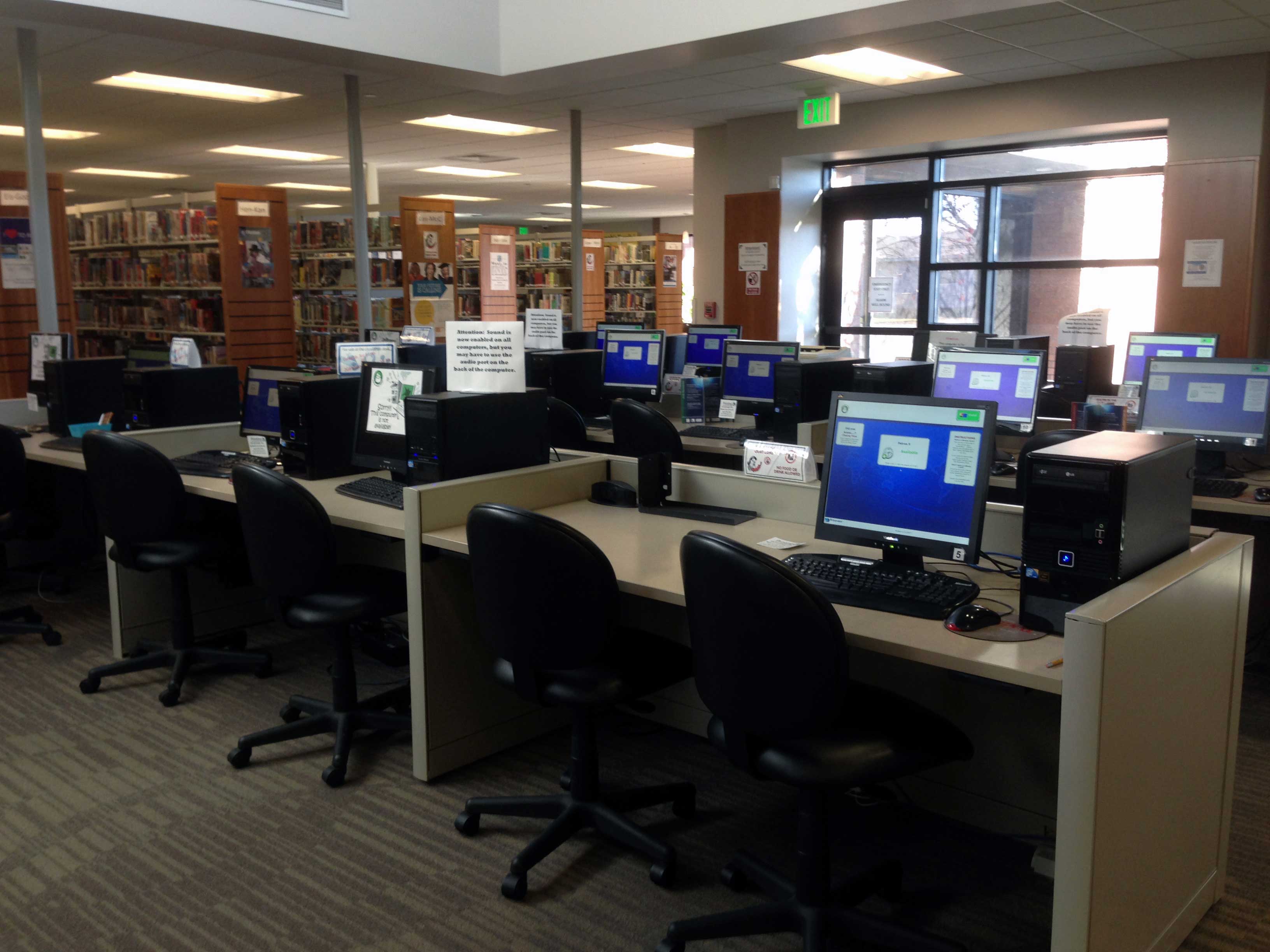
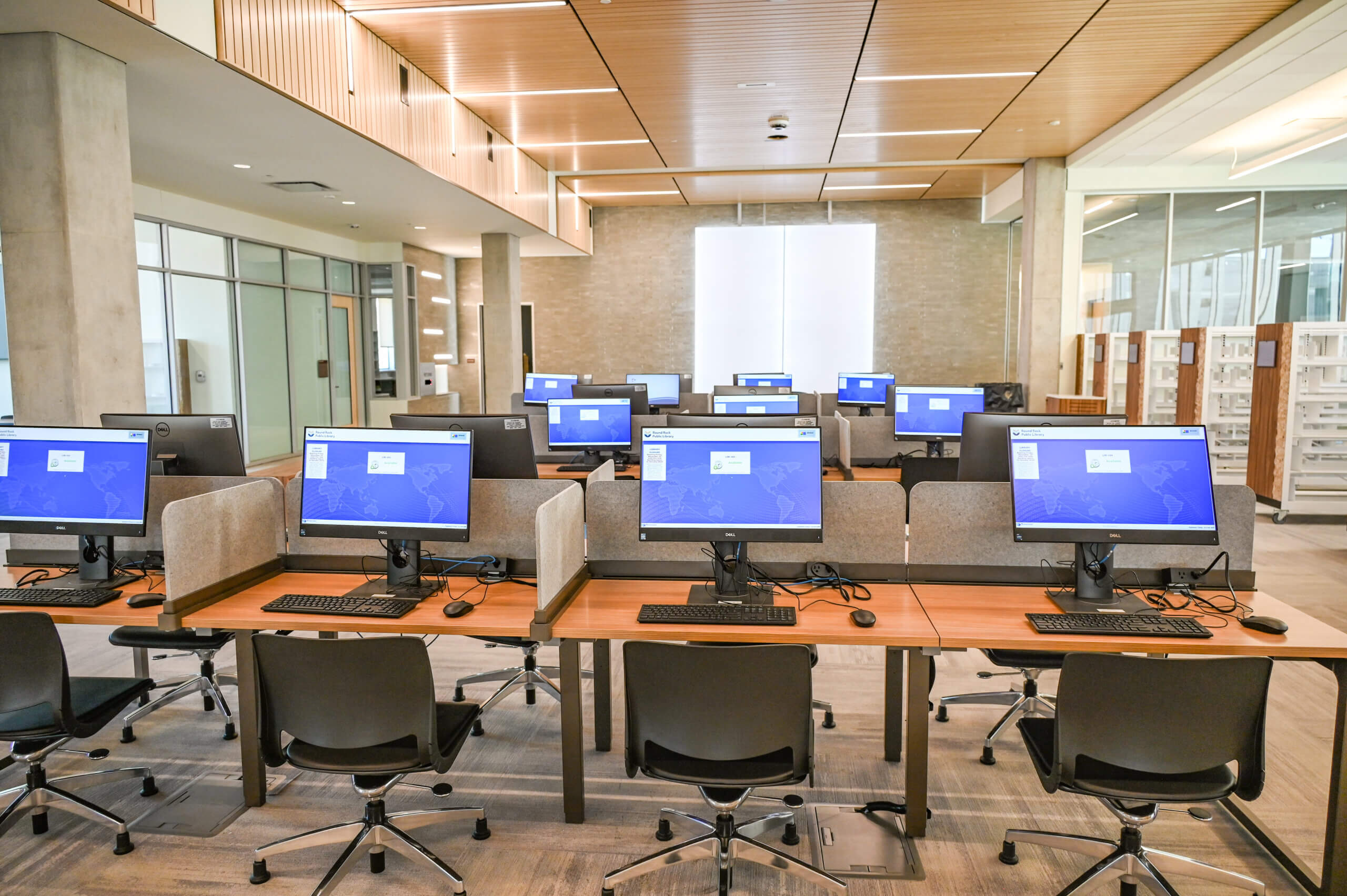
Using public computers exposes you to security risks, so it's crucial to take precautions or opt for your own secure device instead. Public computers in libraries, schools, and elsewhere are convenient resources for many Internet users; in fact, public computers are the only way many people can connect to the Internet. However, they come with inherent risks that can jeopardize your personal data and privacy. In this article, we'll discuss the risks of using public computers and provide you with essential tips and strategies to safely use public computers, ensuring your information remains secure.Why Public Computers are a Security Risk
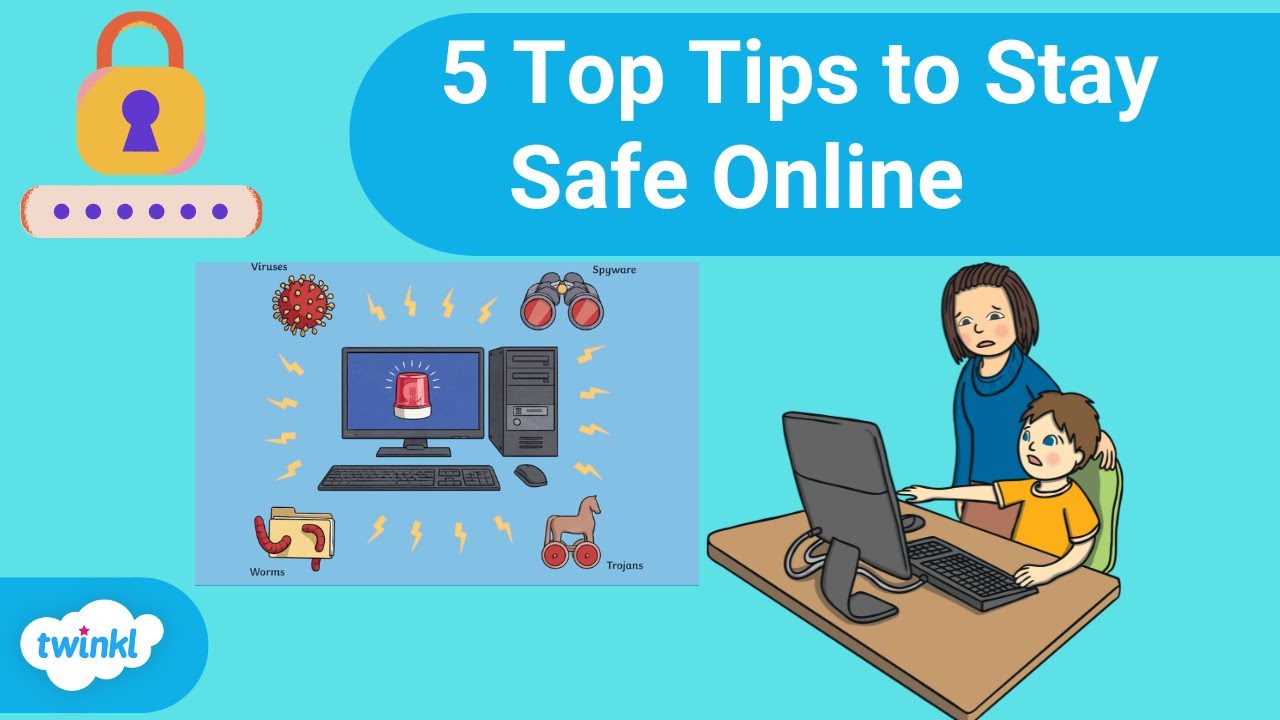
Public computers often lack proper security measures, making them insecure. Since public computers depend on these insecure networks for internet access, the risks are amplified. Even if the computer isn't infected, insecure networks can allow criminals to execute man-in-the-middle attacks, intercepting confidential data you share. Furthermore, public computers may have malware or keylogger software installed, which can record your passwords and sensitive information.5 Safety Tips for Using Public Computers
To safely use public computers, follow these guidelines:- Avoid entering sensitive information onto a public computer. Do not use a public or shared computer to login to a work email account, bank account, or other online services that contain sensitive information.
- Use a secure internet connection. If possible, use a VPN (Virtual Private Network) to encrypt your internet traffic and protect your data from interception.
- Log out and clear your browser cache. Always log out of your accounts and clear your browser cache to prevent others from accessing your information.
- Use a password manager. Consider using a password manager to store your passwords and generate new, secure ones.
- Be cautious with public Wi-Fi. Public Wi-Fi networks are often insecure, so be cautious when using them to access sensitive information.
Additional Tips for Safe Public Computer Use