How to Fix Cracked Phone Screen at Home: A Step-by-Step Guide
Cracked smartphone screens are a very common issue faced by most phone users. While professional repair services are available, they can be costly and time-consuming. This DIY guide with step-by-step instructions will help you fix a cracked smartphone screen at home very effectively, saving you both time and money.
Assess the Damage: Identifying the Severity of the Cracked Phone Screen
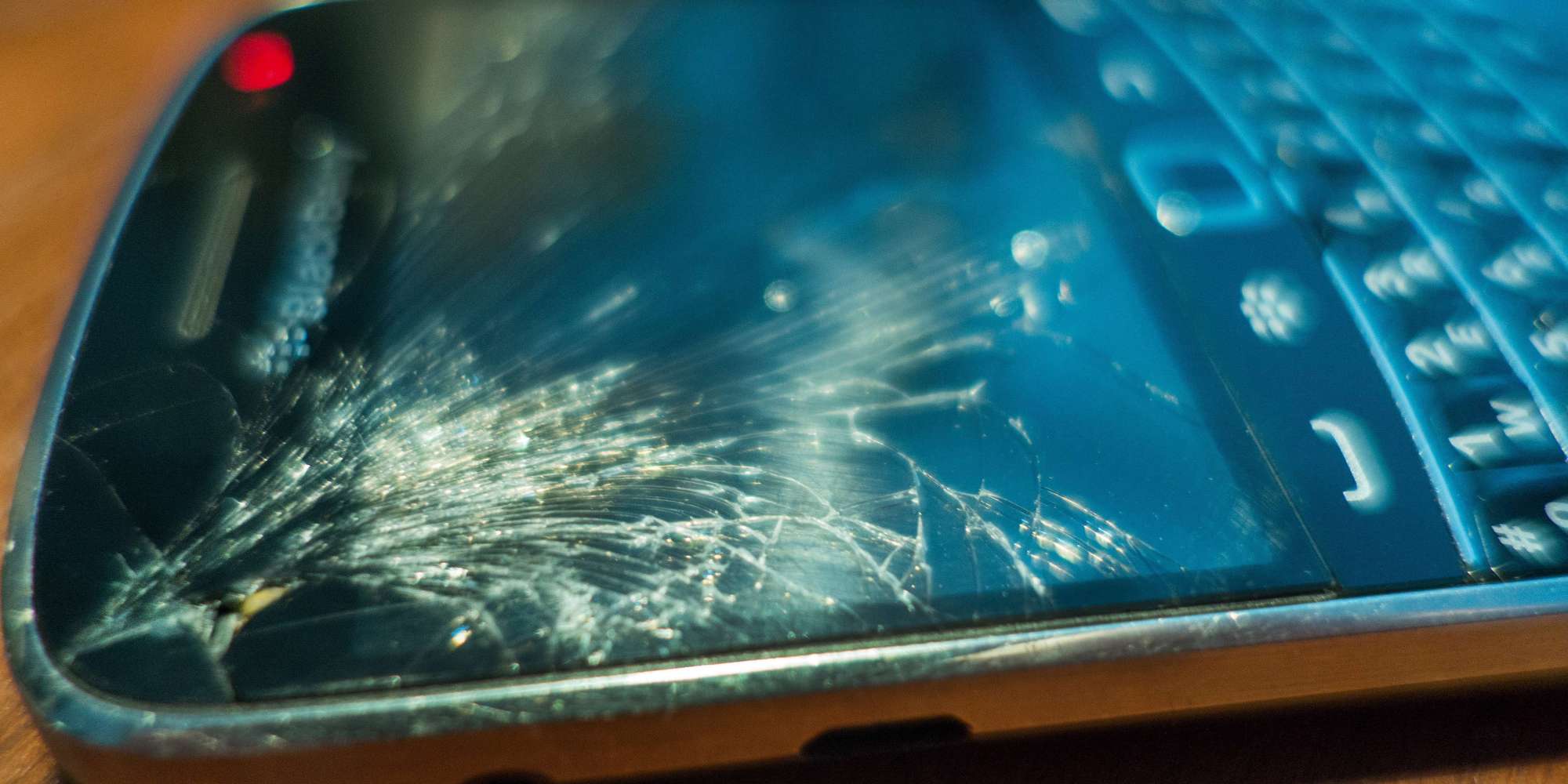
Assessing the damage is a crucial first step in dealing with a cracked phone screen. It helps determine the severity of the crack and whether it can be fixed without replacing the entire screen. Begin by carefully examining the screen under good lighting conditions. Look for any visible cracks, whether they are just scratches or larger breaks. If the crack is minor, you might be able to fix it with a temporary fix or a DIY repair kit. However, if the crack is more extensive or the screen is severely damaged, it may be more challenging to fix and might require a professional repair or even replacement.
Getting Ready: Gathering the Tools and Materials Needed
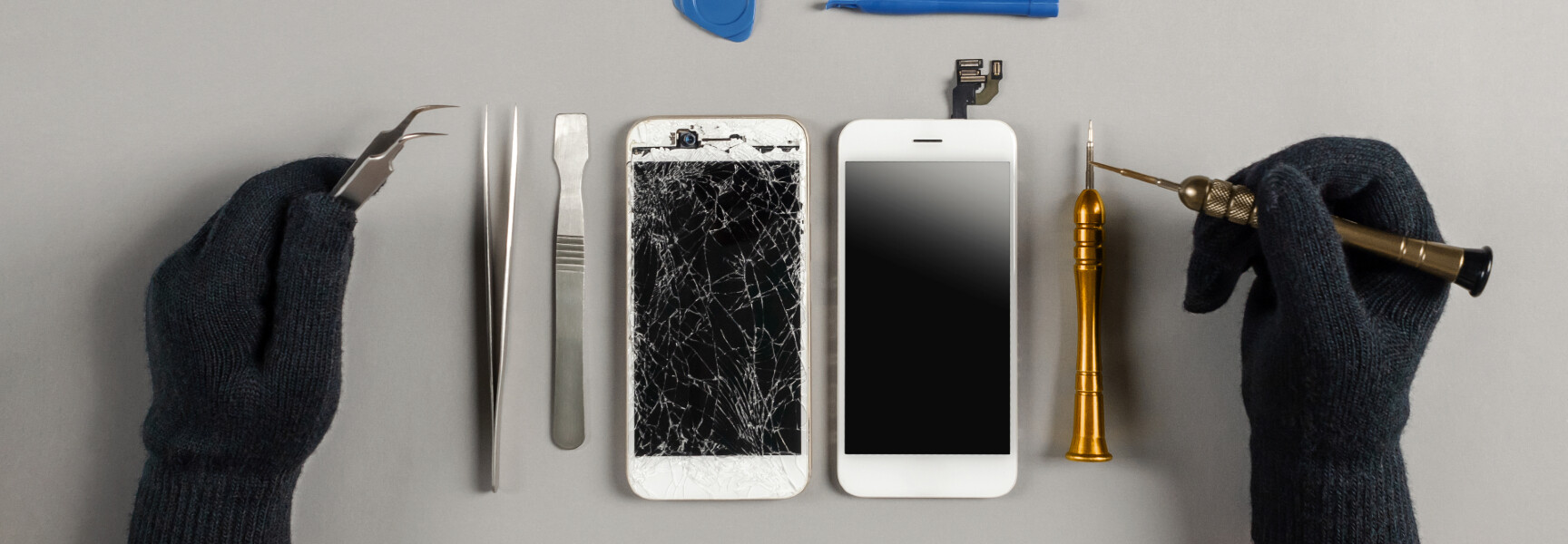
Before you start the repair process, make sure you have the necessary tools and materials. Depending on the method you choose, you may need:
- Adhesive and replacement glass
- Screen repair kit, including the glass, adhesive, and tools
- Phone cleaning and dusting tools
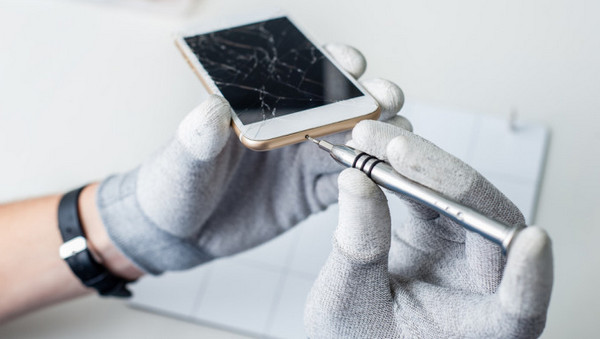
- Screwdrivers and other small tools
- Work light or magnifying glass
- Anti-static wristband (optional)
Choosing the Right Method: DIY Repair, Temporary Fix, or Replacement
The method you choose will depend on the severity of the crack and the tools and materials you have available. Here are a few options:
- DIY Repair:** If you're comfortable with DIY repairs and have the necessary skills and tools, you can try to repair the screen yourself. This method is more involved and may require some expertise, but it can be cost-effective and rewarding.
- Temporary Fix:** If the crack is minor or you're in a hurry, a temporary fix can help stabilize the screen until you can find a more permanent solution. You can use packing tape, glue, or other fixative to hold the screen together.
- Replacement:** If the screen is severely damaged or you're not comfortable with DIY repairs, it may be best to replace the screen entirely. This can be done through professional repair services or, if you have the necessary skills, you can try replacing the screen yourself.

Repairing the Cracked Phone Screen: Step-by-Step Instructions
Now that you've assessed the damage and chosen your method, it's time to start the repair process. Here's a general step-by-step guide for repairing a cracked phone screen:
- Prepare the area and clean the phone
- Remove any visible debris or glass shards
- Apply adhesive and replace the glass (if necessary)
- Secure the screen with screws or clips (if applicable)
- Test the screen to ensure it's working properly
Pros and Cons of DIY Screen Replacement, Glass-Only Repair, and Temporary Fixes
Here are some pros and cons of different repair methods:
- DIY Screen Replacement: Pros: Cost-effective, rewarding experience; Cons: Time-consuming, requires expertise
- Glass-Only Repair: Pros: Fast, easy, and affordable; Cons: May not provide long-lasting results, requires expertise
- Temporary Fix: Pros: Quick and easy; Cons: May not provide a long-term solution, can cause more damage if not done correctly
Why Choose DIY Repair?
There are several reasons to choose DIY repair over professional services:
- Cost-effective:** Replacing a smartphone screen can be expensive, but with DIY repair, you can save money and repair the screen yourself.
- Time-efficient:** DIY repair allows you to fix the screen at your own pace and in the comfort of your own home.
- Rewarding experience:** Repairing a cracked smartphone screen can be a fun and rewarding DIY project.