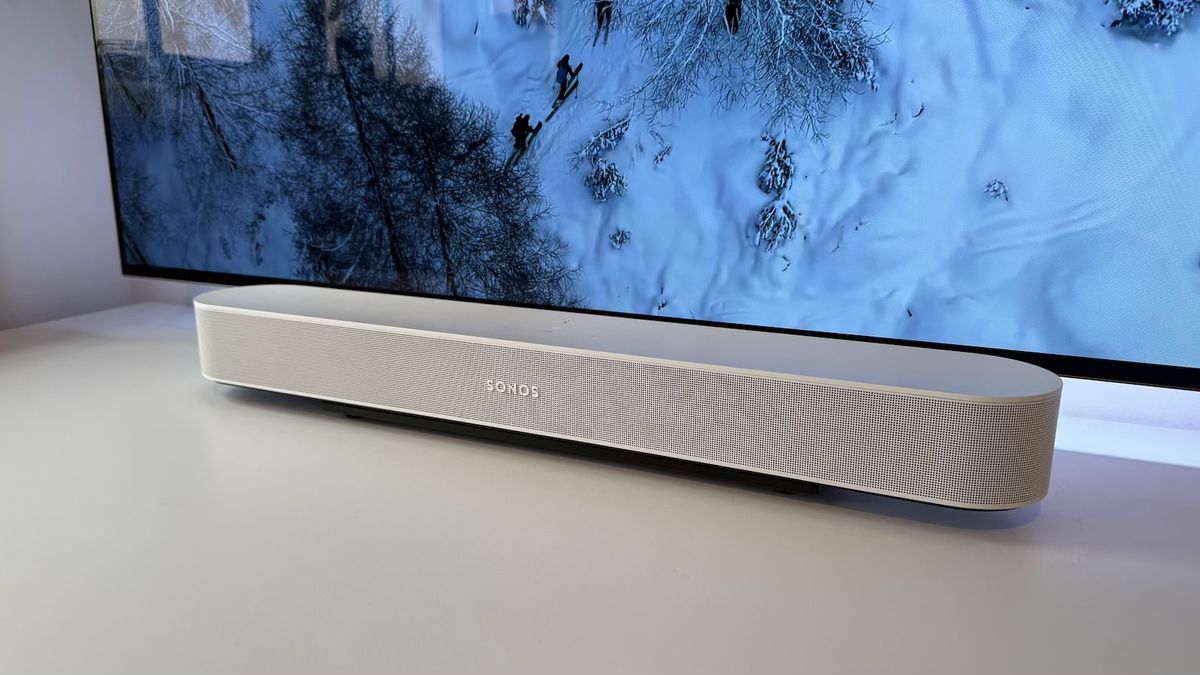
How to Connect Alexa to Sonos Soundbar: A Step-by-Step Guide
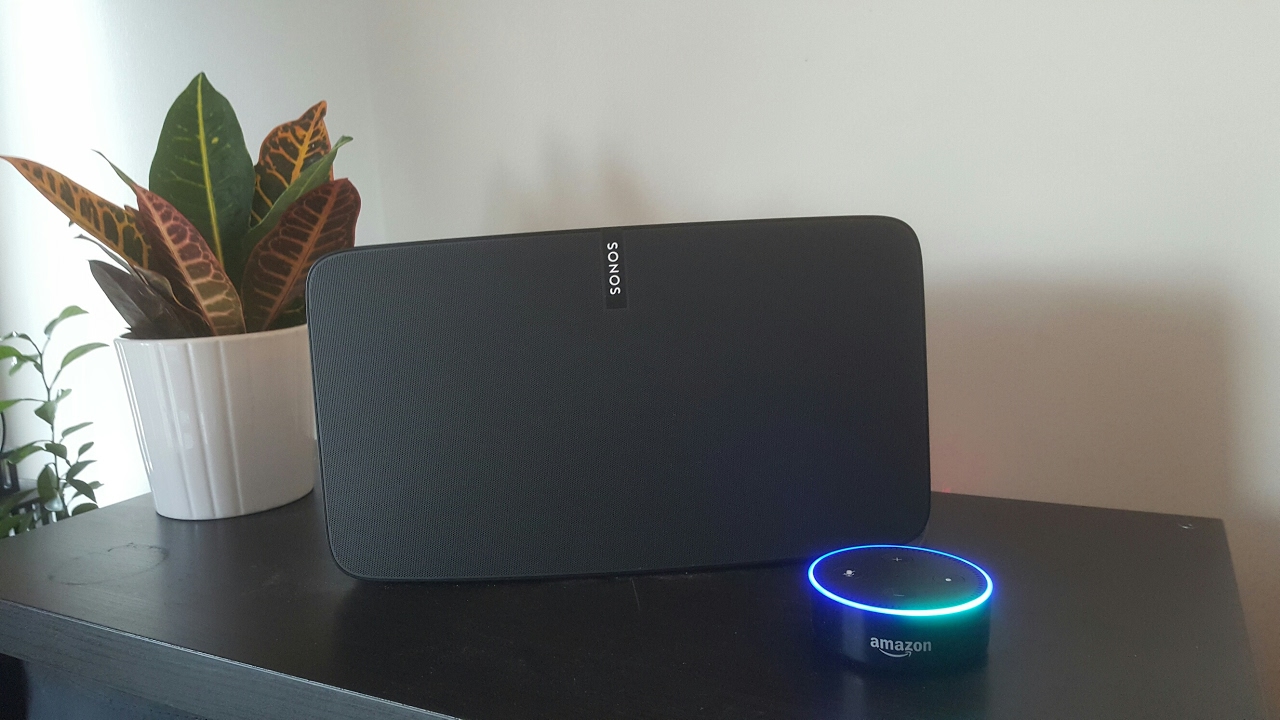
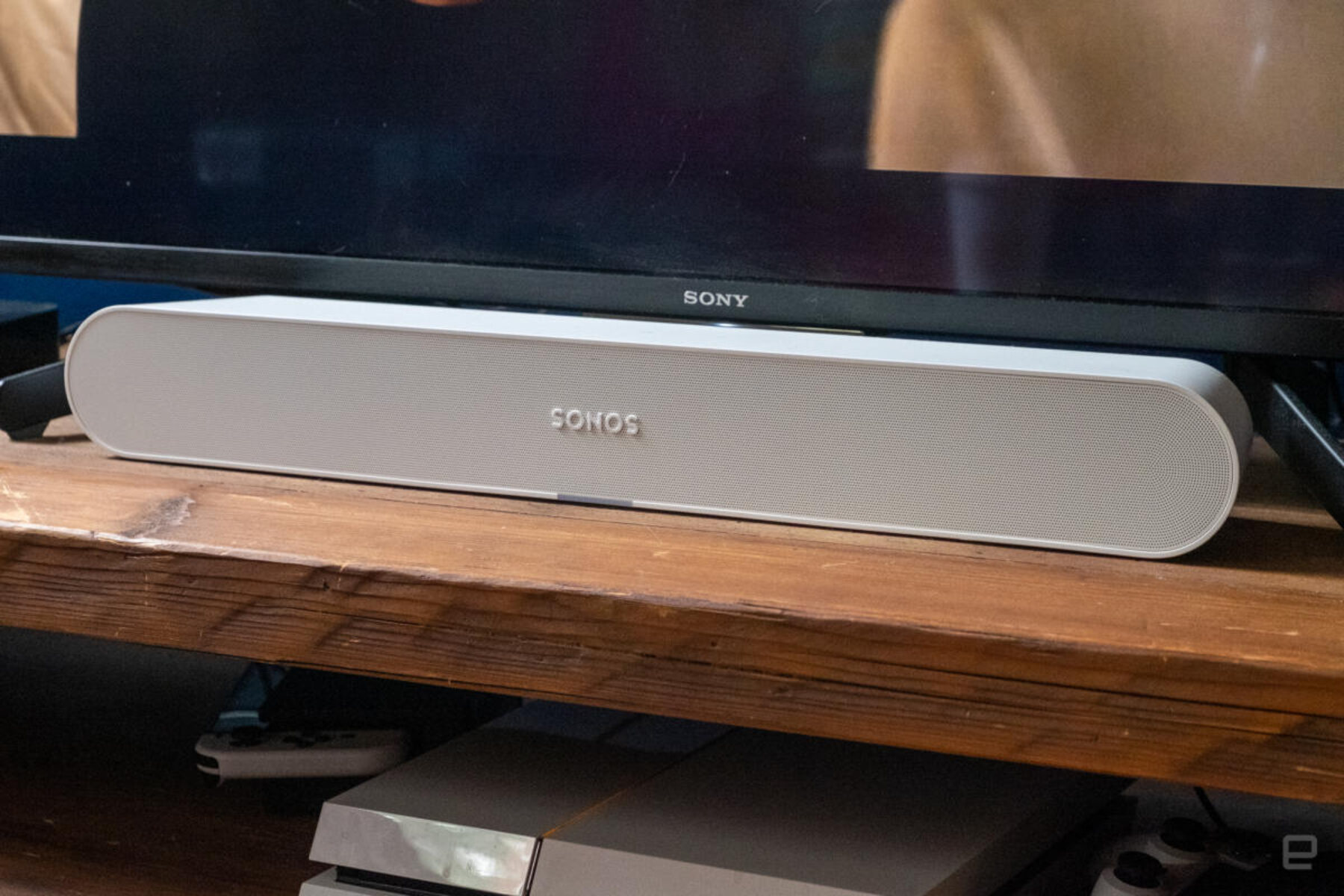
Are you tired of fumbling with remotes and complicated sound systems? Do you want to control your music and smart home devices with just your voice? Look no further! In this article, we'll guide you through the process of connecting Amazon Alexa to your Sonos soundbar, allowing you to experience seamless voice control and elevate your home entertainment experience.
Prerequisites
Before we dive into the setup process, make sure your Sonos soundbar and Alexa devices are both powered up and connected to the same network. If you're new to Sonos, you'll need to install the Sonos app and go through the setup process. If you're new to Alexa, download the Alexa app and set up your Amazon Alexa device.
Step 1: Check if Amazon Alexa is Available on Sonos in Your Region
First, check if Amazon Alexa is available on Sonos in your region. This is crucial to ensure that you can integrate Alexa with your Sonos soundbar. To do this, simply navigate to the Sonos website and check if Alexa is supported in your region.
Step 2: Download and Set Up the Alexa App
Once you've confirmed that Alexa is available on Sonos in your region, download the Alexa app on your mobile device. Set up your Amazon Alexa device by following the on-screen instructions. Make sure your device is connected to the same network as your Sonos soundbar.
Step 3: Enable the Sonos Skill in the Alexa App
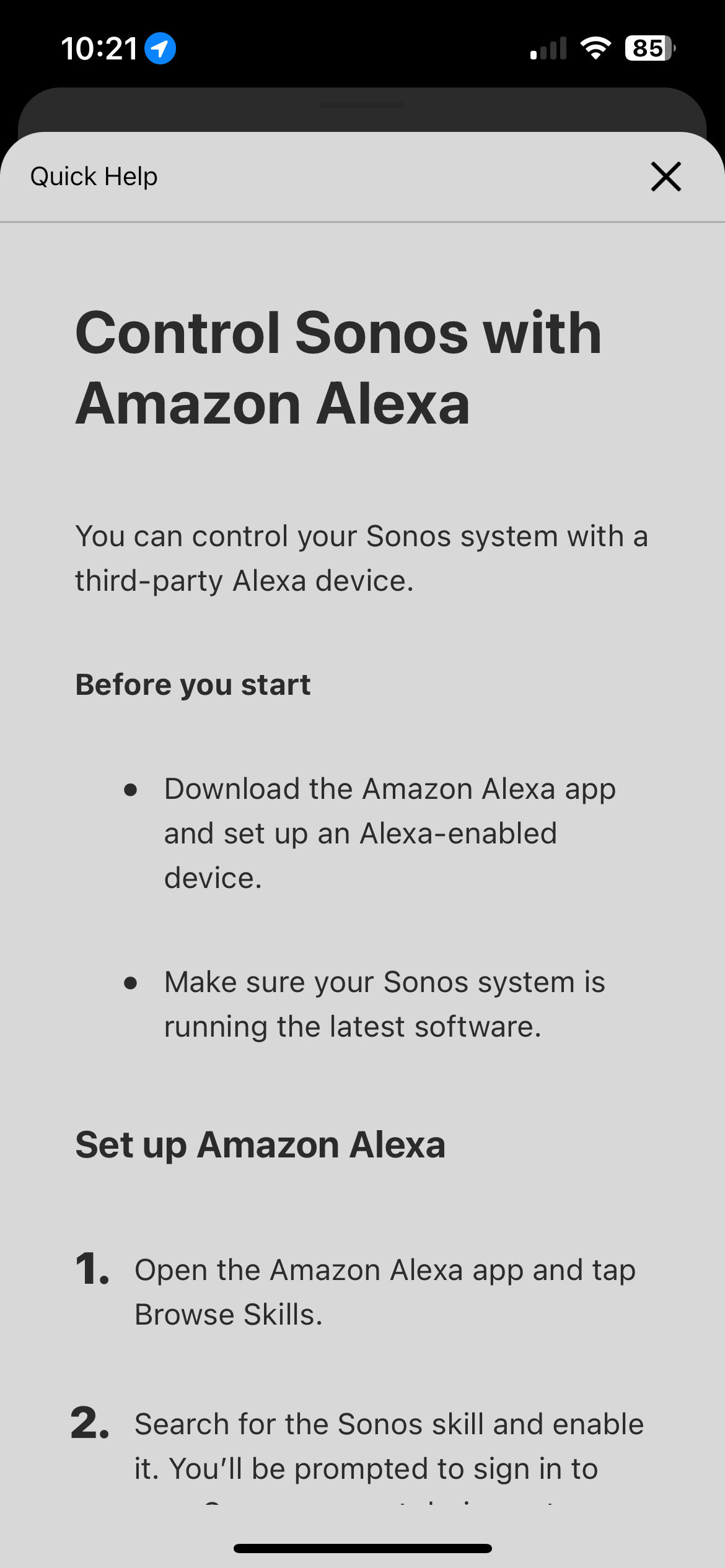
Any Alexa-enabled device can control Sonos as long as the Sonos skill is enabled. To do this, open the Alexa app and navigate to the Skills section. Search for Sonos and select the Sonos skill to enable it. This will allow Alexa to communicate with your Sonos soundbar.
Step 4: Ensure Your Sonos System is Running the Latest Software Version
Make sure your Sonos system is running the latest software version to ensure seamless integration with Alexa. You can check for updates by navigating to the Sonos app and going to Settings > System > Check for Updates.
Step 5: Connect Your Sonos Soundbar to Alexa
Now that your Alexa app is set up, and your Sonos system is running the latest software version, it's time to connect your Sonos soundbar to Alexa. Open the Alexa app and navigate to the Devices section. Select your Sonos soundbar from the list of available devices and follow the on-screen instructions to complete the connection process.
Step 6: Test Your Integration
Once you've completed the setup process, test your integration by giving Alexa a voice command. For example, say "Alexa, play some music" or "Alexa, turn on the living room lights." If everything is set up correctly, your Sonos soundbar should respond appropriately.
Advanced Tips and Tricks
- Use Alexa to control your smart home devices, such as lights and thermostats, directly from your Sonos soundbar.
- Create speaker groups to control multiple Sonos devices with a single voice command.
- Use voice commands to play music or podcasts on a specific Sonos device.
- Set up smart home routines to automate your smart home devices with Alexa.
Conclusion
Connecting Alexa to your Sonos soundbar is a straightforward process that opens up a world of possibilities for voice control and smart home automation. By following the steps outlined in this article, you can enhance your home entertainment experience and enjoy seamless voice control over your music, smart home devices, and more.