Face Detection Verification for Laptops: The Ultimate Security Solution
In today's digital age, security has become a top priority for individuals and organizations alike. With the ever-growing threat of cybercrime and identity theft, it's essential to have robust security measures in place. One such measure is the use of Face Detection Technology (FDT) on laptops. In this article, we will explore the concept of FDT, its benefits, and how it can be used for verification purposes.
What is Face Detection Verification?
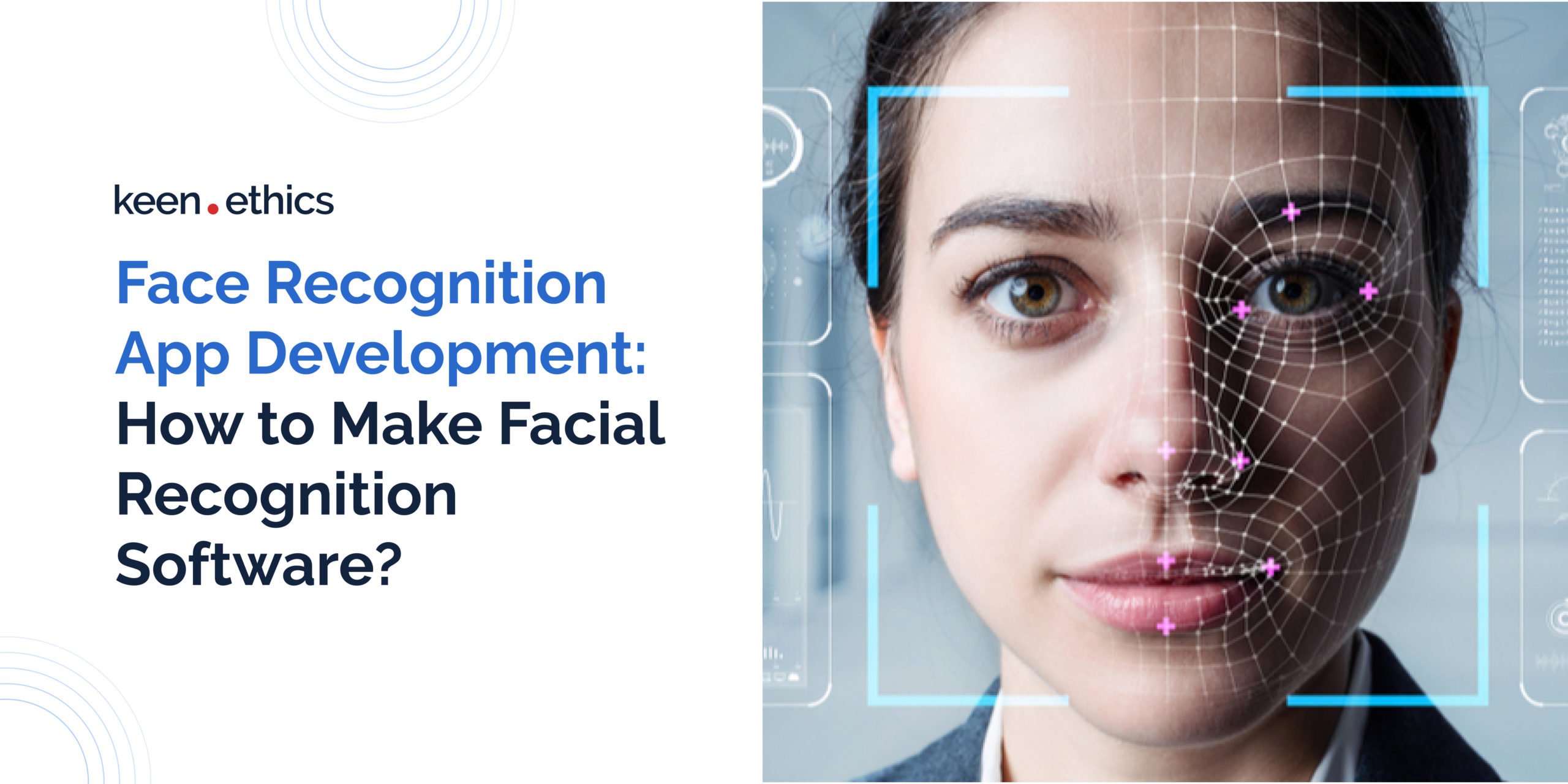
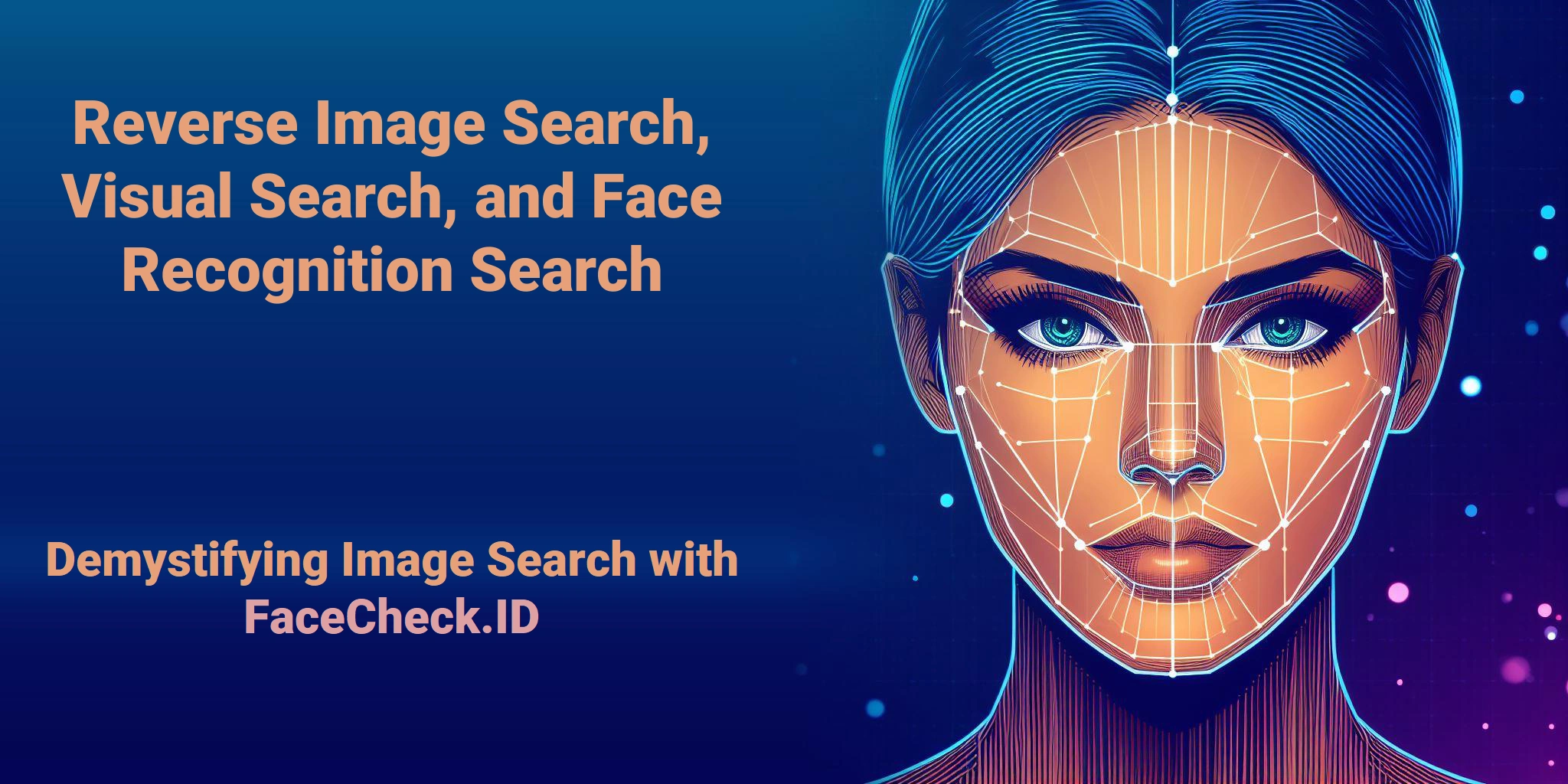
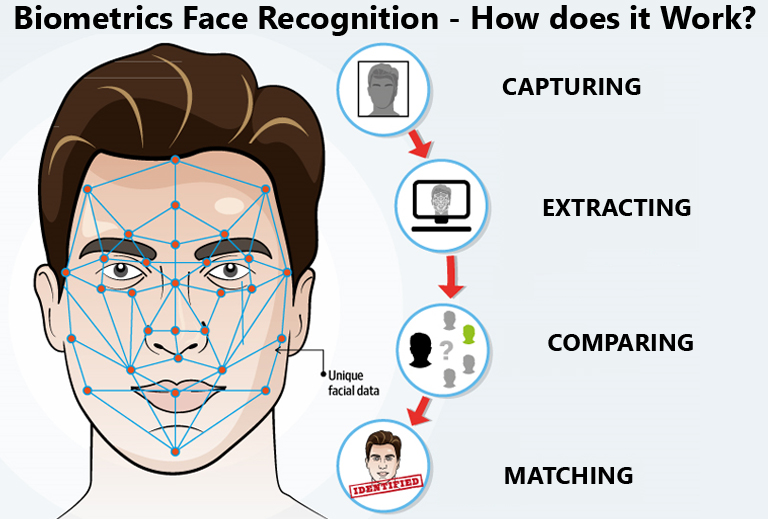
Face Detection Verification (FDV) is a biometric authentication method that uses facial recognition technology to verify the identity of an individual. It uses facial features, such as the shape of the eyes, nose, and mouth, to create a unique digital signature, also known as a template. This template is then compared with the image captured during login, and if they match, the user is granted access.
How Does Windows Hello Face Recognition Work?
Windows Hello is a biometric authentication feature built into Windows 10 and 11 operating systems. It uses facial recognition technology to verify the identity of users. To set up Windows Hello Face Recognition, users need an infrared (IR) camera, which captures a 3D map of their face. This map is then stored on the device and used for future login authentication.
Benefits of Face Detection Verification
Face Detection Verification has numerous benefits, including:
- Convenience: Users no longer need to remember complex passwords or PINs.
- Security: FDT provides an additional layer of security, making it more difficult for hackers to gain unauthorized access.
- Efficiency: FDT login is faster than traditional password-based login, reducing login times.
- Accuracy: FDT is highly accurate, with a low chance of false positives or false negatives.

How to Set Up Face Detection Verification
To set up Face Detection Verification on your laptop, follow these steps:
- Ensure your laptop has an IR camera and a compatible operating system (Windows 10 or 11).
- Go to Settings > Accounts > Sign-in options.
- Click "Set up" and continue with the on-screen instructions.
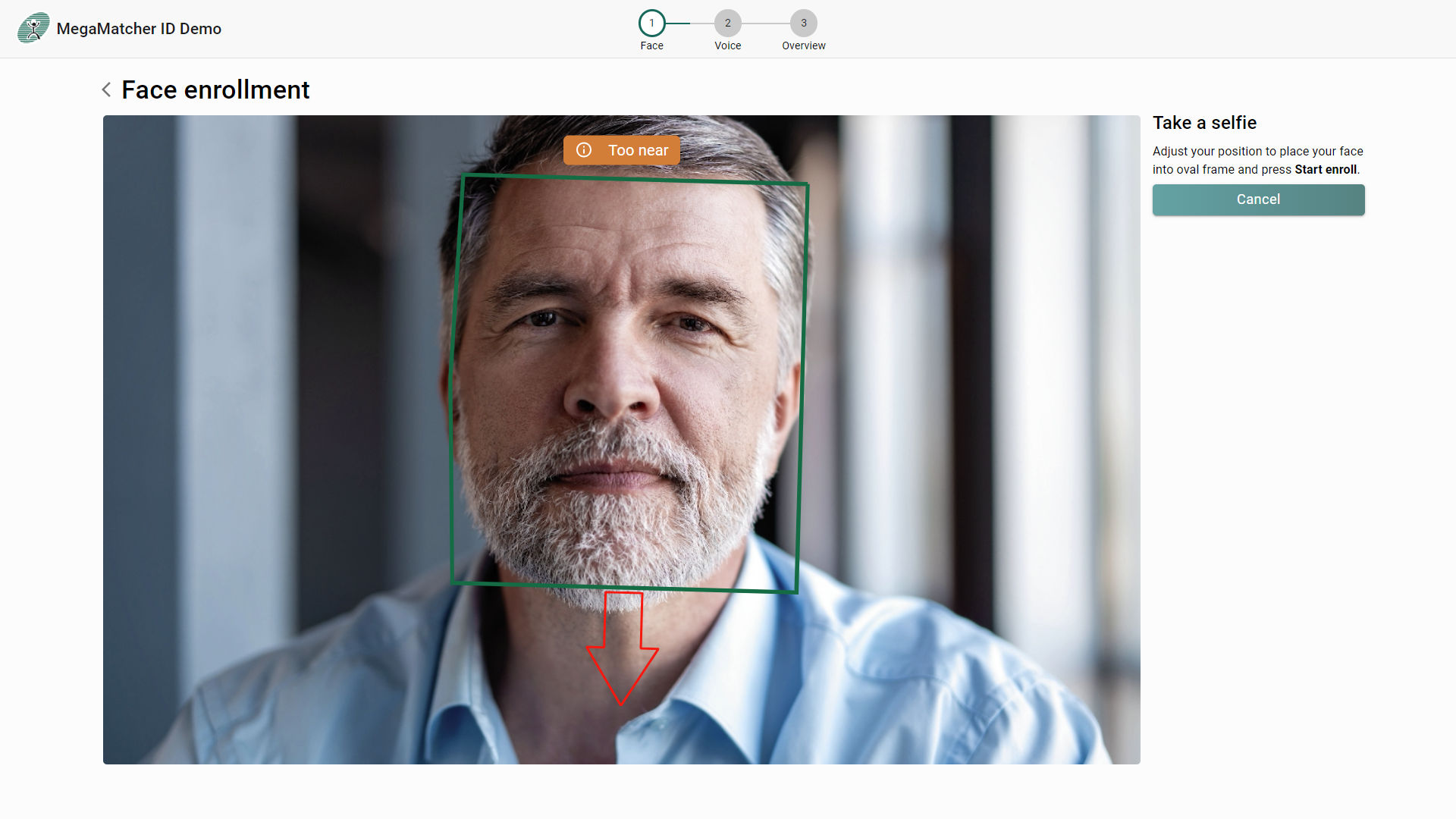
- Position your face in the center of the frame, and the camera will capture your facial features.
- The system will create a digital map of your face, which will be used for future login authentication.
Common Issues with Face Detection Verification
While Face Detection Verification offers numerous benefits, it's not without its limitations. Some common issues include:
- Camera Compatibility: Not all laptops have IR cameras, which are necessary for Windows Hello.
- Lighting: Poor lighting conditions can affect the accuracy of FDT.
- Face Position: FDT may not work if multiple faces are detected.
Conclusion
Face Detection Verification is a secure and convenient way to authenticate users on laptops. With its high accuracy and efficiency, FDT has become a popular biometric authentication method. By understanding the benefits and limitations of FDT, users can make an informed decision about whether to use this feature on their laptops.

![[Windows 11/10] Windows Hello (Biometrics, Facial recognition ... - ASUS](https://c8.alamy.com/comp/2G5K6N4/facial-recognition-system-concept-face-id-verification-services-or-biometric-scanning-system-of-face-recognition-for-person-identification-vector-2G5K6N4.jpg "[Windows 11/10] Windows Hello (Biometrics, Facial recognition ... - ASUS")