Secure Email Password Protection: A Comprehensive Guide
In today's digital age, email security is more crucial than ever. With the rise of cyber threats and data breaches, protecting your email password has become a top priority. In this article, we'll delve into the world of secure email password protection, exploring the best practices, tools, and services to safeguard your online communications.
The Importance of Secure Email Password Protection
When you send an email, you're essentially transmitting sensitive information over the internet. This information can include personal data, financial details, or confidential business information. If this data falls into the wrong hands, it can lead to serious consequences, including identity theft, financial loss, or reputational damage.
Encryption: The Key to Secure Email Password Protection
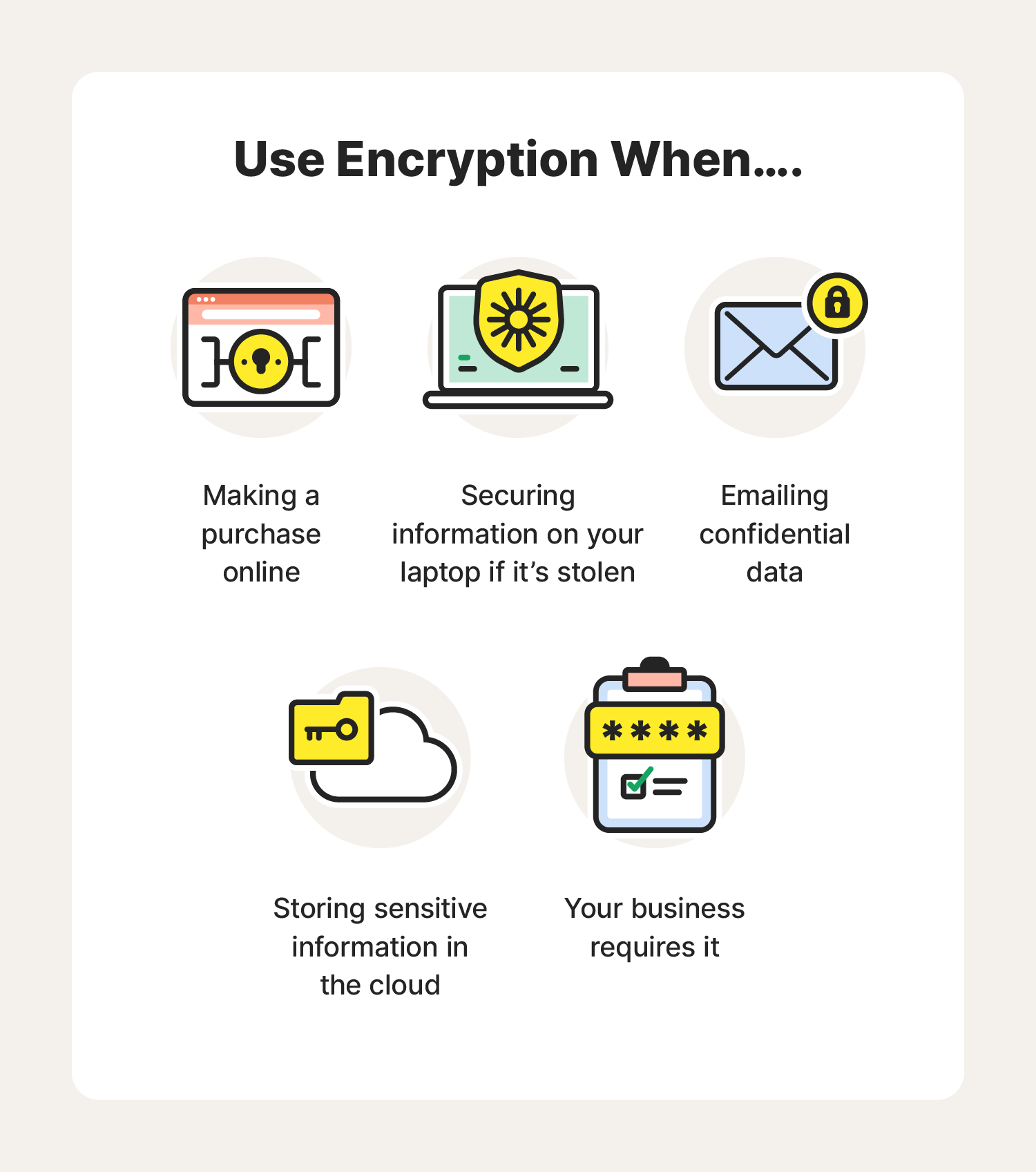
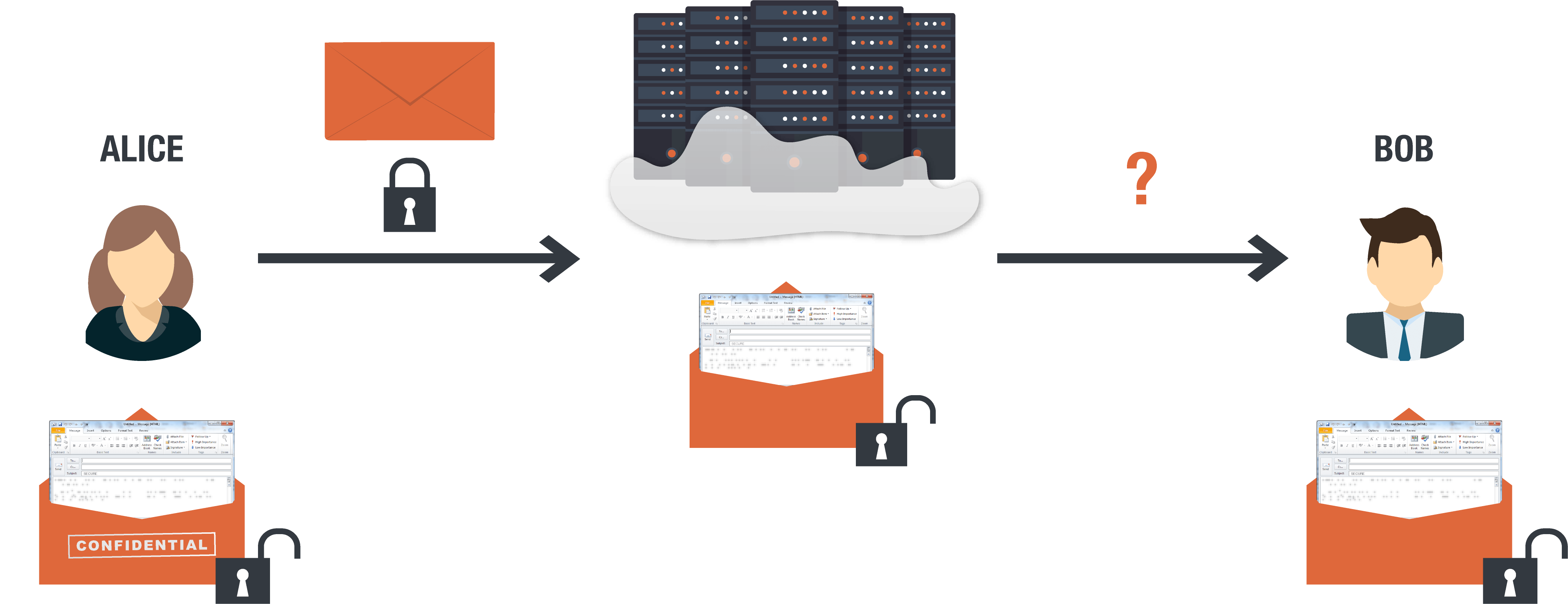
Encryption is the process of converting plaintext (readable text) into ciphertext (unreadable text) to protect the content of your emails. When you encrypt an email, only the recipient who has the corresponding private key can decipher the message for reading. This ensures that even if an unauthorized party intercepts your email, they won't be able to access its contents.
Top Email Encryption Services
- ProtonMail: A secure email service that uses end-to-end encryption to protect your messages. It's available on both desktop and mobile devices.
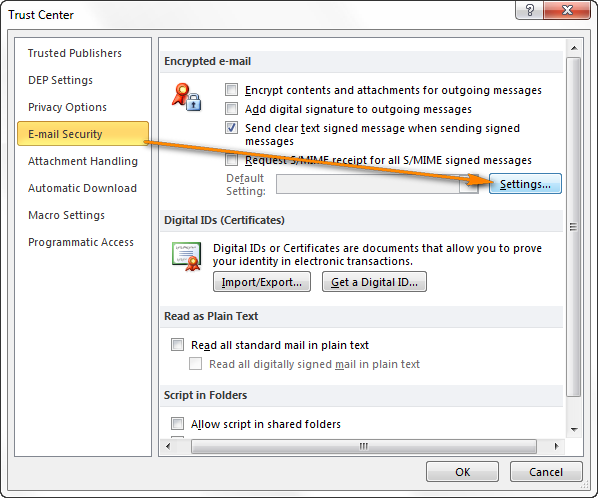
- Outlook: Microsoft's popular email client offers advanced encryption features, including S/MIME and PGP, to protect your email communications.
- Gmail: Google's email service provides basic encryption features, including TLS and SSL, to secure your emails. However, it's not as robust as ProtonMail or Outlook.
Password Protection: Best Practices
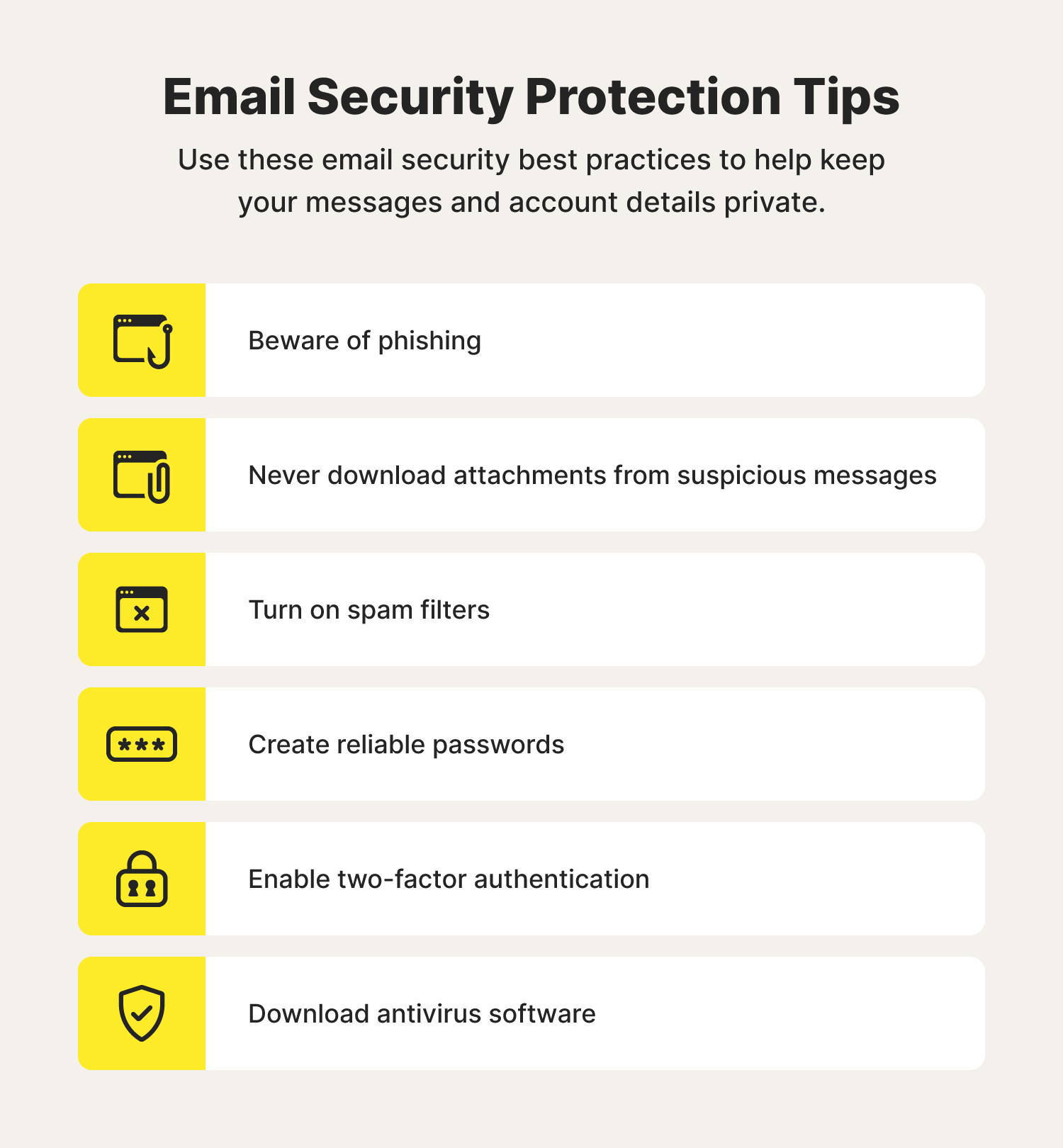
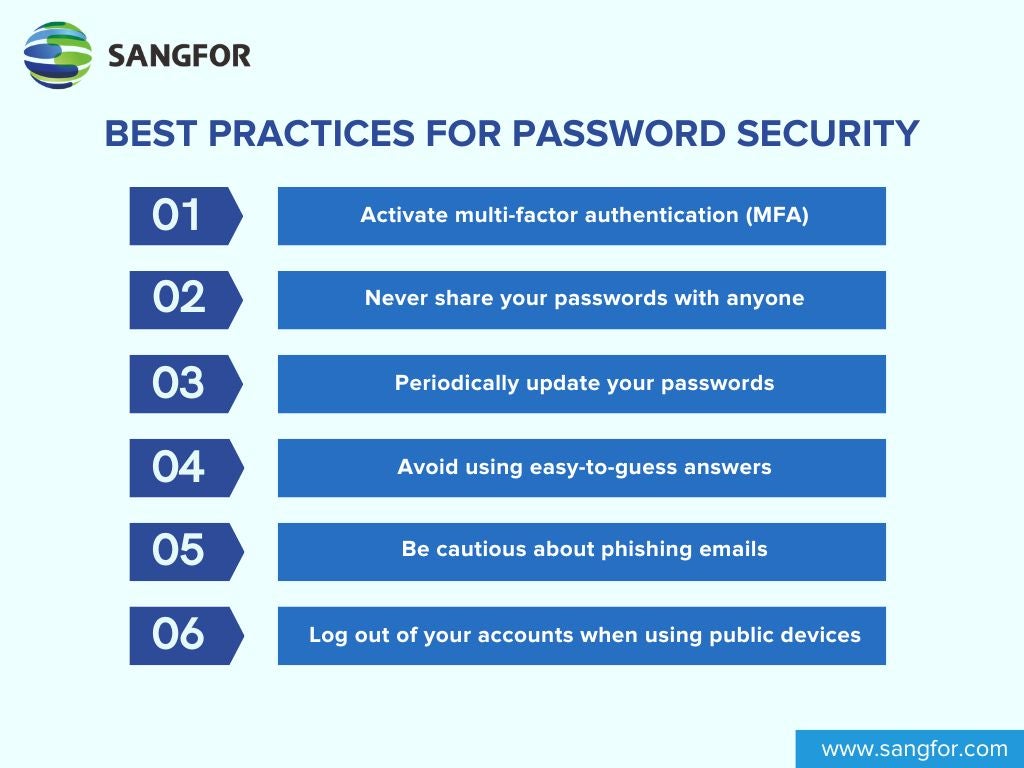
To keep your email account secure, follow these best practices:
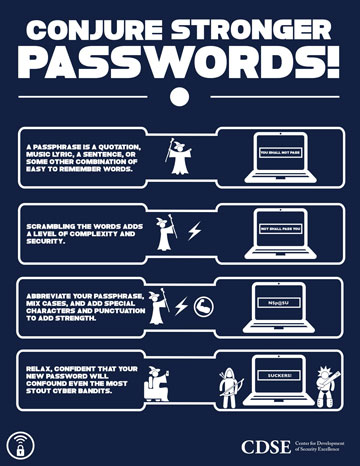
- Use strong, unique passwords: Avoid using easily guessable passwords or reuse passwords across multiple accounts.
- Enable two-factor authentication (2FA): Add an extra layer of security to your email account by requiring a verification code sent to your phone or email. li>Regularly update your password: Change your password every 60-90 days to minimize the risk of password compromise.
- Use a password manager: Consider using a password manager like LastPass or 1Password to securely store and generate complex passwords.
Password-Protected Emails: A Step-by-Step Guide
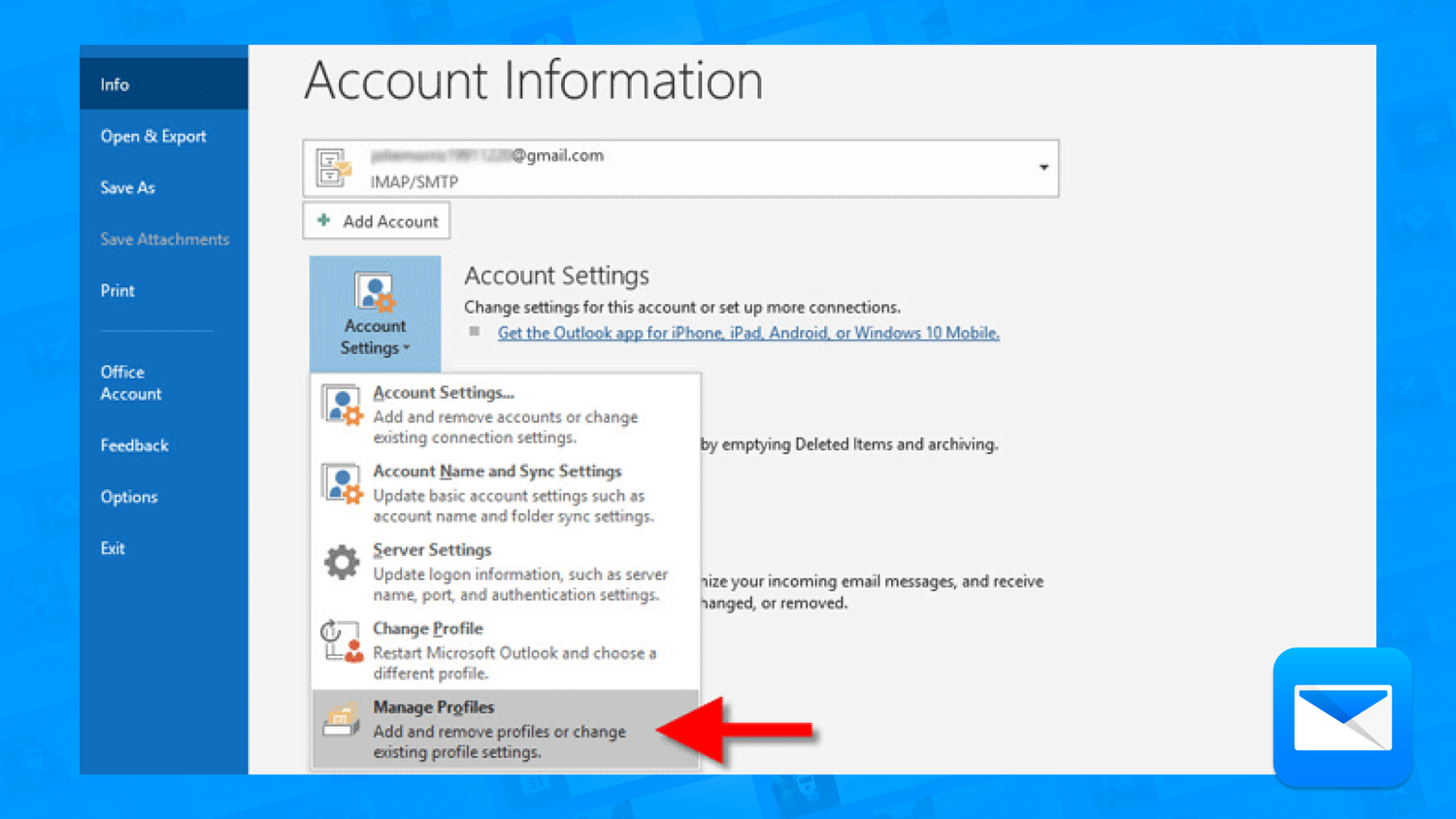
To password-protect an email in Outlook, follow these steps:
- Compose a new email or reply to an existing one.
- Click on the "Options" tab and select "More Settings."
- In the "Security" section, click on "Encrypt" and select the desired encryption method (S/MIME or PGP).
- Enter the recipient's email address and password, and click "OK."
Conclusion
Secure email password protection is no longer a luxury, but a necessity in today's digital landscape. By using encryption, strong passwords, and 2FA, you can safeguard your online communications and prevent cyber threats. Remember to stay vigilant and regularly update your password to minimize the risk of password compromise. By following the best practices outlined in this article, you can enjoy a secure and private email experience.


![15 Most Secure Email Providers 2026 [Send Encrypted Messages]](https://dummytech.com/wp-content/uploads/2018/04/password-protect-emails-digital-signature.jpg "15 Most Secure Email Providers 2026 [Send Encrypted Messages]")