Motherboard Troubleshooting and Repair: A Comprehensive Guide
Is your computer running slower than normal? There's a chance your motherboard could be acting up. Don't let common motherboard problems disrupt your workflow or compromise your data. In this article, we'll walk you through the essential steps to diagnose and repair common issues, ensuring your PC stays running smoothly.
Common Motherboard Problems
Motherboards are the backbone of any computer system, and problems with this critical component can be frustrating and costly. Some of the most common motherboard issues include:
- Power supply issues
- Boot failures
- POST (Power-On Self-Test) errors
- Overheating
- Connectivity issues
- Faulty capacitors
Step 1: Visual Inspection
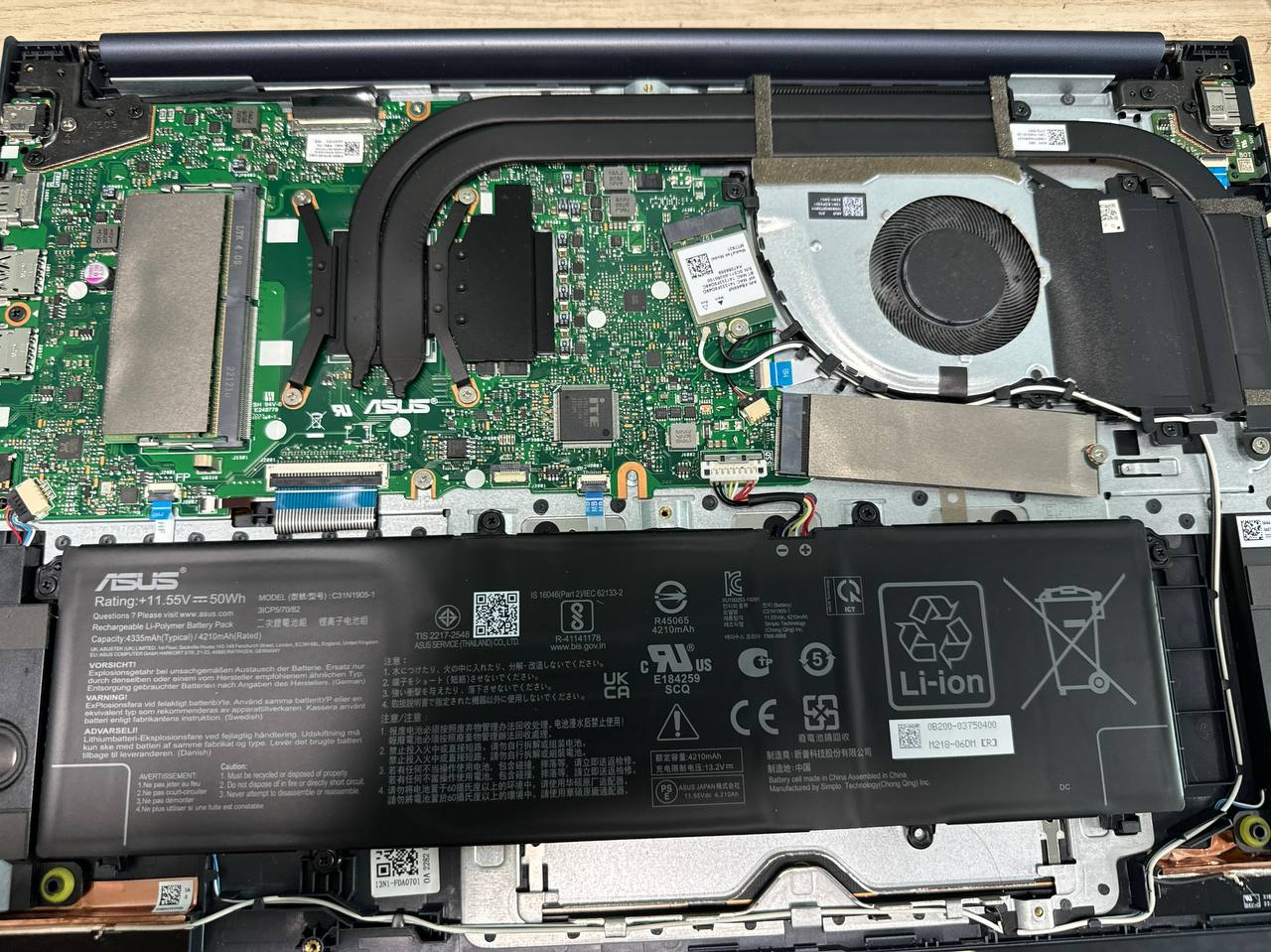
Before diving into advanced diagnosis and repair, perform a thorough visual inspection of your motherboard. Check for any signs of physical damage, such as burn marks, rust, or water damage. Ensure all connectors and ports are securely connected, and inspect for any loose or damaged cables.
Inspecting Your Board
Take note of the following components:
- RAM (Random Access Memory)
- GPU (Graphics Processing Unit)
- Power supply
- Capacitors
- Connectors and ports
Step 2: Assess Power Issues
Power supply issues are often a primary cause of motherboard problems. Verify that your power cord is securely connected to both the power supply and the motherboard. Ensure the power supply's wattage matches your system's requirements.
Power Supply Troubleshooting Tips
- Check the power cord for damage or fraying
- Verify the power supply's wattage matches your system's requirements
- Check for loose connections between the power supply and the motherboard
Step 3: Diagnose Boot Failures
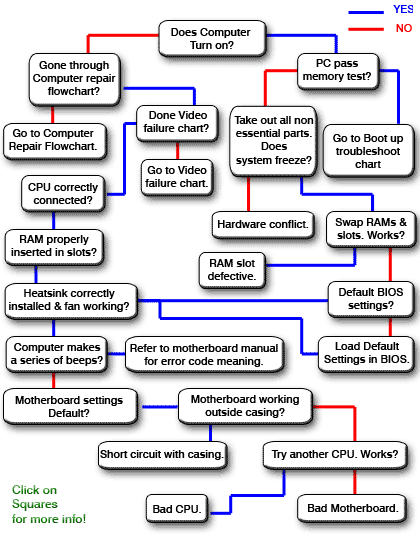
Boot failures can be caused by a variety of factors, including faulty RAM, a malfunctioning GPU, or issues with the motherboard itself. Inspect the following components:
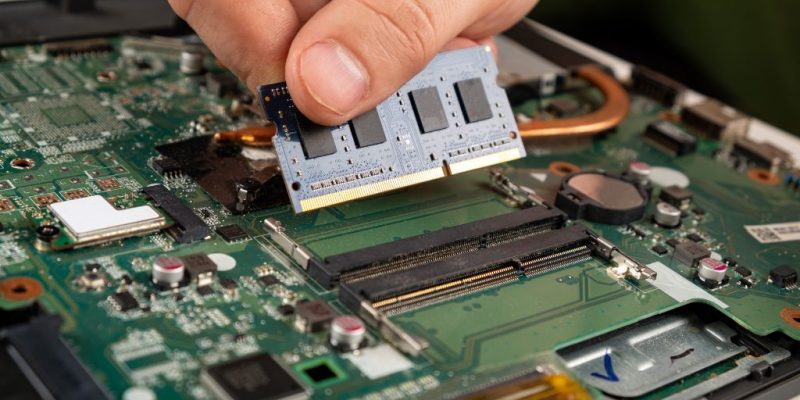
- RAM for loose connections or damage
- GPU for loose connections or damage
- Power supply for sufficient wattage and connections
Boot Failure Troubleshooting Tips
- Try swapping out the RAM to rule it out as the cause
- Check for BIOS updates
- Reset the BIOS to default settings
Step 4: POST Errors and Overheating
POST errors can be caused by a variety of factors, including faulty hardware or software issues. Verify that the system's BIOS is configured correctly and that the motherboard is receiving sufficient airflow.
POST Error Troubleshooting Tips
- Reset the BIOS to default settings
- Check for loose connections between components
- Verify that the system's cooling system is functioning correctly
Conclusion
By following these steps and troubleshooting motherboard problems, you can identify and resolve common issues, saving you time and money. Remember to always prioritize caution when working with electrical components, and consider consulting a professional if you're unsure or uncomfortable with the process.
Preventative Measures
To avoid motherboard problems in the future, take the following precautions:
- Regularly clean dust from your computer's vents and fans
- Verify that your system's cooling system is functioning correctly
- Monitor your system's power supply and upgrade it if necessary