How to Set Up a Skin Server for Minecraft
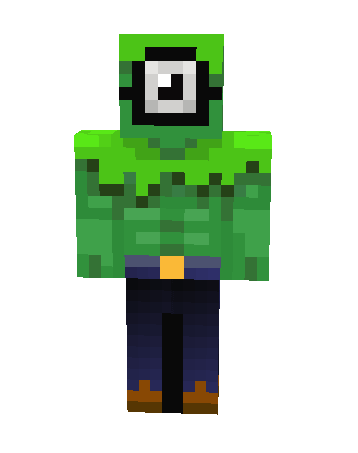
If you're an avid Minecraft fan, one of the most exciting experiences is playing with friends on a skin server. A skin server allows players to customize their in-game appearance with unique and personalized skins. Setting up a skin server can seem daunting, but with the right tools and resources, it's a relatively straightforward process. In this article, we'll guide you through the steps to set up a skin server for Minecraft, using the powerful SkinsRestorer plugin.Introduction to SkinsRestorer
SkinsRestorer is a plugin that restores skins for offline mode servers and networks, giving players the ability to change their skins by typing a single command. This plugin is a game-changer for skin servers, as it allows players to customize their appearance without needing to connect to the internet. With SkinsRestorer, you can create a unique and personalized experience for your players.Installing SkinsRestorer
To get started, you'll need to have Minecraft Forge installed on your server. If you haven't already, download and install it from the Official Minecraft Forums. Once you have Forge installed, you can install SkinsRestorer using the following steps: 1. Download the SkinsRestorer plugin from the CurseForge website. 2. Open your server's plugin folder and create a new folder for SkinsRestorer. 3. Copy the downloaded SkinsRestorer plugin into the new folder. 4. Restart your server to activate the plugin.Configuring SkinsRestorer
After installing SkinsRestorer, you'll want to configure it to fit your server's needs. While SkinsRestorer should work fine without any settings changes, you can customize the plugin to suit your server's specific requirements. To access the SkinsRestorer configuration file, navigate to the "plugins" folder and open the SkinsRestorer configuration file in a text editor. In this file, you can customize settings such as the skin resolution, skin type, and player permissions. You can also disable specific features or enable others, depending on your server's needs.Adding Custom Skins to your Server