Tips for Securing Wireless Network: A Comprehensive Guide
Wireless network security should be a business priority. These 10 tips on how to secure your Wi-Fi can help create a safer and more secure internet experience. Using these tips can go a long way to securing wireless networks. But keep in mind, wireless network security is an evolving endeavor.
Why Secure Your Network?
In a perfect world you could leave your Wi-Fi networks wide open to share with any passing Wi-Fi-starved travelers who desperately needed to check their email. However, this is not a perfect world, and if you have a Wi-Fi network, it is essential to take steps to secure it. An insecure Wi-Fi network is an open invitation to hackers and malicious actors who can use it to gain unauthorized access to your network, steal your data, and engage in other malicious activities.
Why Wirelesss Networks Introduce Additional Security Risks
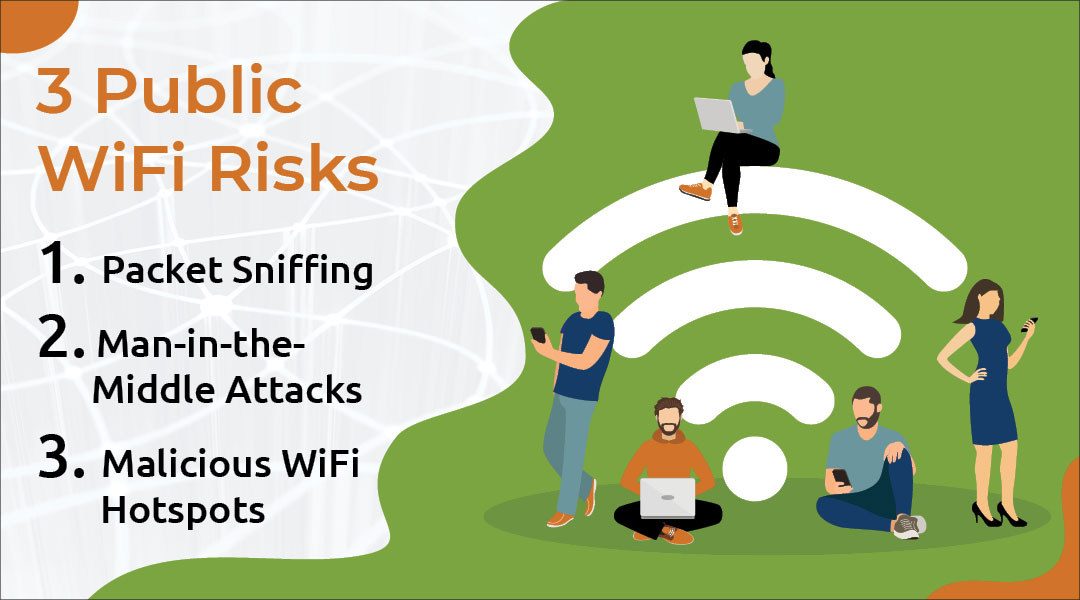
Wireless networks introduce additional security risks. Since data is transmitted over the air, there is a risk of eavesdropping and interception by unauthorized third parties. Additionally, wireless networks can be vulnerable to various types of attacks, such as denial-of-service (DoS) attacks and man-in-the-middle (MitM) attacks. These attacks can compromise the security of your network and put your data at risk.
Best Practices for Securing Wireless Networks
There are several best practices that you can follow to help secure your wireless network:
- Use WPA3 encryption: WPA3 is a more secure encryption protocol than WPA2, which is widely used today. It provides better protection against hacking and eavesdropping.
- Change the default password: If you have not changed the default password of your router, change it now. The default password is well-known by hackers and may be easily guessed.
- Upgrade your router firmware: Regularly upgrade your router firmware to ensure that you have the latest security patches and features.
- Set up a guest network: Set up a guest network to isolate your visitors from your main network. This will prevent them from accessing your sensitive data and devices.
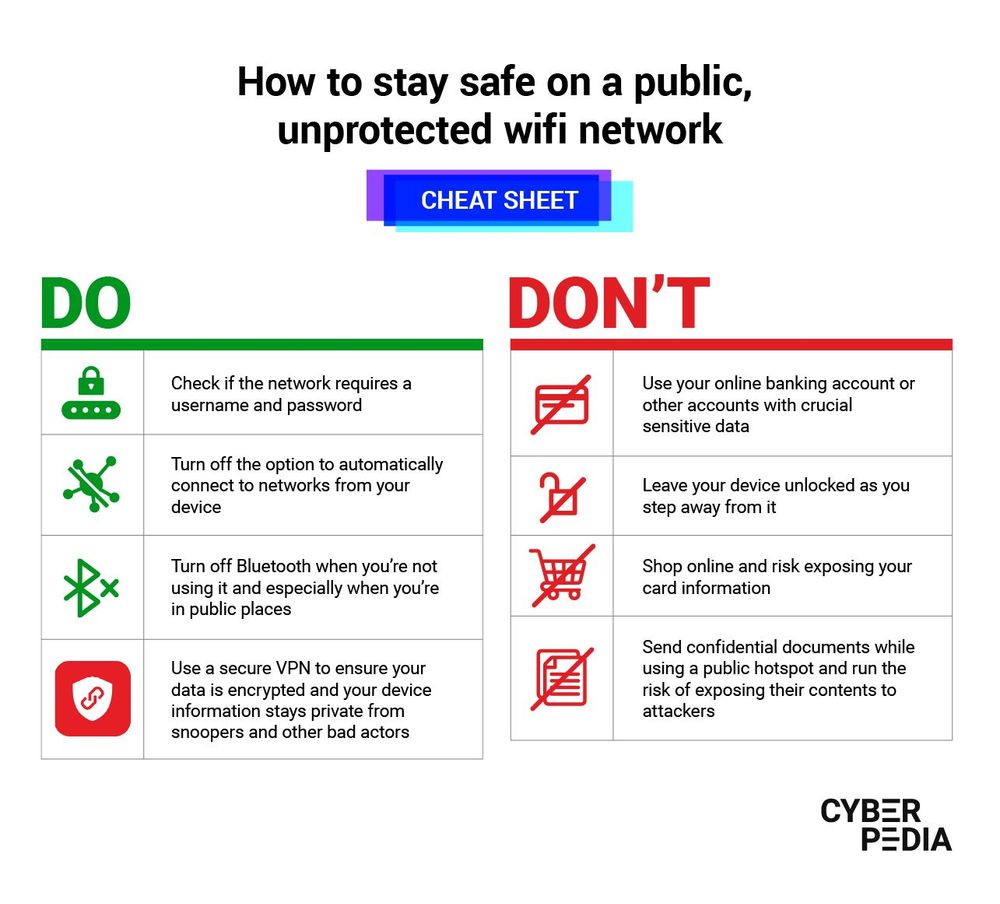
- Use a VPN: Consider using a virtual private network (VPN) to encrypt your online traffic and protect your data.
- Use a strong password: Use a strong password for your network and devices. Avoid using weak passwords such as "password" or "123456".
- Regularly monitor your network: Regularly monitor your network for any suspicious activity. If you notice anything unusual, take immediate action to address the issue.
- Keep your network software up-to-date: Regularly update your network software to ensure that you have the latest security patches and features.
- Limit access: Limit access to your network and devices to only those who need it. Use role-based access control to grant different levels of access to different users.
- Use network segmentation: Consider using network segmentation to isolate your network into different segments. This will prevent hacking and unauthorized access to your network.
Solution
Securing your network is a crucial step in protecting your data and devices. The solutions outlined above will help you to secure your network and prevent unauthorized access.
Additional Tips for Securing Wireless Networks
Here are some additional tips for securing your wireless network:
- Use a secure Wi-Fi range extender: A secure Wi-Fi range extender can help to boost your network signal and prevent hacking.
- Use a network access control (NAC) system: A NAC system can help to control access to your network and devices.
- Use a wireless intrusion detection system (WIDS): A WIDS can help to detect and prevent wireless network intrusions.
- Regularly scan your network: Regularly scan your network for any vulnerabilities or security threats.
- Use a security information and event management (SIEM) system: A SIEM system can help to monitor and analyze your network security event logs.


![Wi-Fi security: How to protect your wireless network [2026 guide]](https://truleap.net/wp-content/uploads/2023/12/wifisecurity.png "Wi-Fi security: How to protect your wireless network [2026 guide]")