Preventing Ransomware On Windows: A Comprehensive Guide
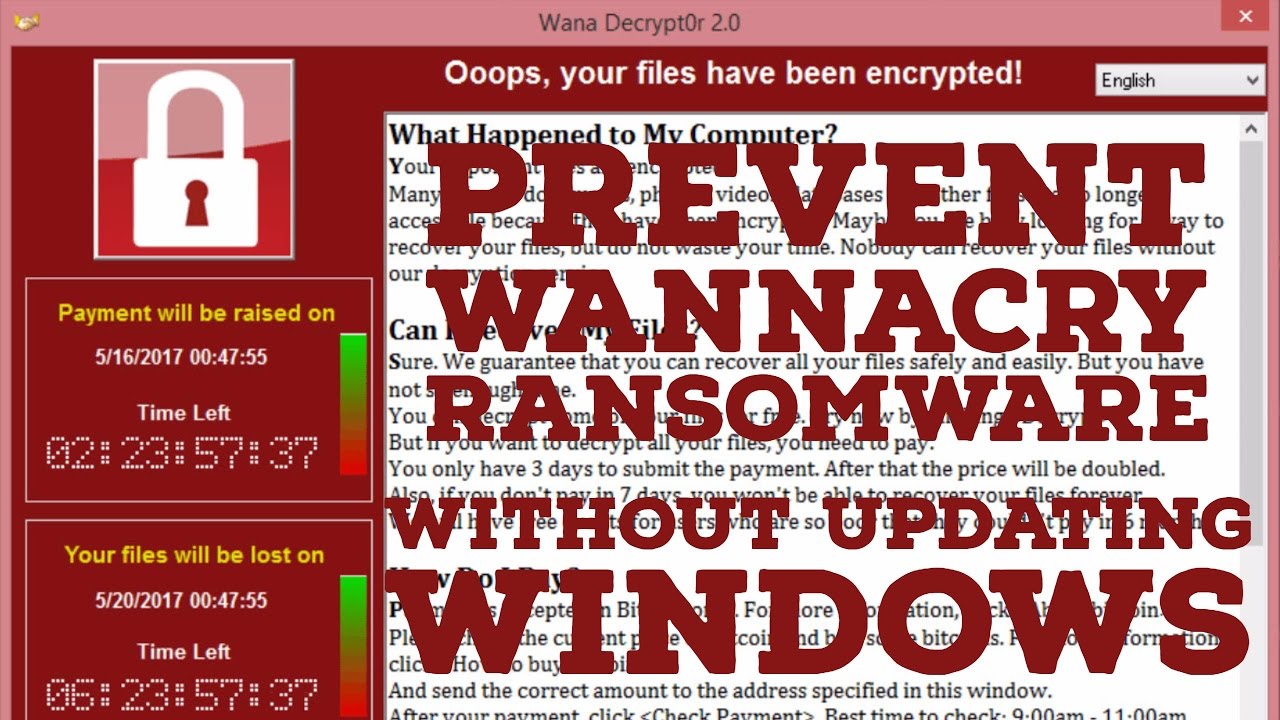
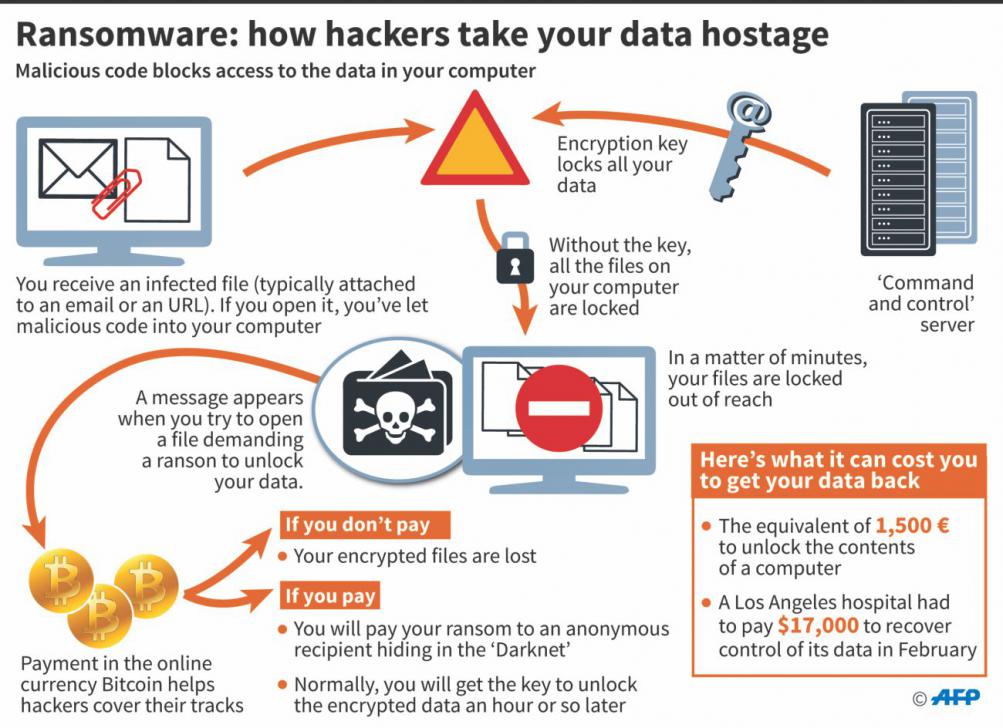
Ransomware is a type of malware that has been wreaking havoc on computers and organizations worldwide. It encrypts files and demands a ransom in exchange for the decryption key. In this article, we will explore the best ways to prevent ransomware on Windows and provide you with a comprehensive guide to keep your device safe.
Understanding Ransomware
Ransomware is a form of malware that locks you out of your device and/or encrypts your files, then forces you to pay a ransom to regain access. It has been called the cybercriminal's weapon of choice because it demands a quick, profitable payment in hard-to-trace cryptocurrency.
Preventing Ransomware On Windows
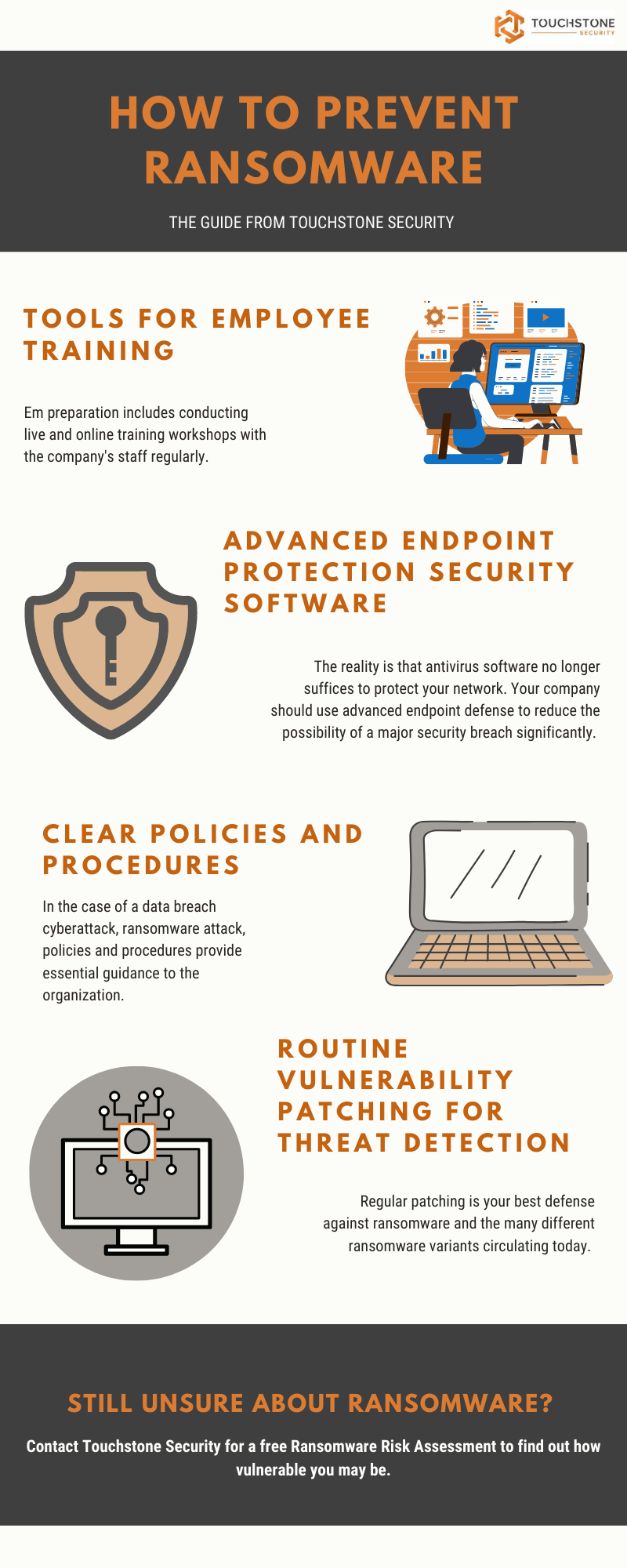
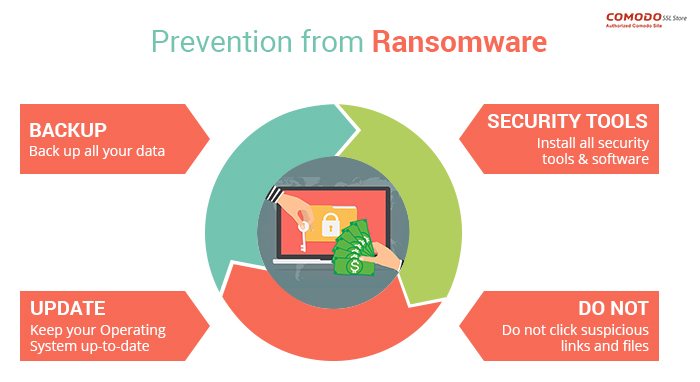
Preventing ransomware on Windows requires a multi-layered approach. Here are some steps you can take to keep your device safe:
- Keep Your Windows Up to Date: Make sure you are running the latest version of Windows, and that all updates are installed. This will ensure that you have the latest security patches and features that can help prevent ransomware attacks.
- Use Strong Antivirus Software: Install and regularly update antivirus software that includes anti-ransomware protection. This will help detect and prevent ransomware infections.
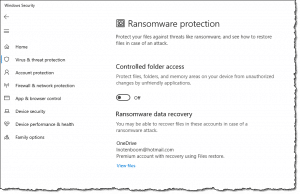
- Enable Controlled Folder Access: In Windows 10 or 11, turn on Controlled Folder Access to protect your important local folders from unauthorized programs like ransomware or other malware.
- Enable Ransomware Protection: Windows Defender includes a security feature called "Ransomware Protection" that allows you to enable various protections against ransomware infections. This feature is disabled by default in Windows 10 and 11.
- Use Backup Software: Regularly back up your important files to an external hard drive or cloud storage service. This will ensure that you can recover your files in case of a ransomware attack.
- Be Cautious with Email Attachments and Links: Be wary of email attachments and links from unknown sources. These can be used to spread ransomware and other malware.
- Use Strong Passwords: Use strong, unique passwords for all accounts, and avoid using the same password for multiple accounts.
- Use Two-Factor Authentication (2FA): Enable 2FA for all accounts that support it. This will add an extra layer of security and make it harder for attackers to gain access.
Additional Tips and Best Practices
In addition to the steps above, here are some additional tips and best practices to help prevent ransomware on Windows:
- Use a Ransomware Protection Tool: Consider using a ransomware protection tool that can detect and prevent ransomware infections.
- Use a Firewall: Enable the firewall on your Windows device to prevent unauthorized access to your device and data.
- Use a VPN: Consider using a VPN to encrypt your internet traffic and protect your data from interception.
- Regularly Update Software: Regularly update all software on your device, including operating system, browser, and applications.
Conclusion
Preventing ransomware on Windows requires a multi-layered approach that involves keeping your device up to date, using strong antivirus software, enabling Controlled Folder Access, and using strong passwords and 2FA. By following the steps and tips outlined in this article, you can keep your device safe from ransomware attacks and protect your important files and data.
Frequently Asked Questions
Here are some frequently asked questions about preventing ransomware on Windows:
- Q: What is ransomware? A: Ransomware is a type of malware that encrypts files and demands a ransom in exchange for the decryption key.
- Q: How can I prevent ransomware on Windows? A: You can prevent ransomware on Windows by keeping your device up to date, using strong antivirus software, enabling Controlled Folder Access, and using strong passwords and 2FA.
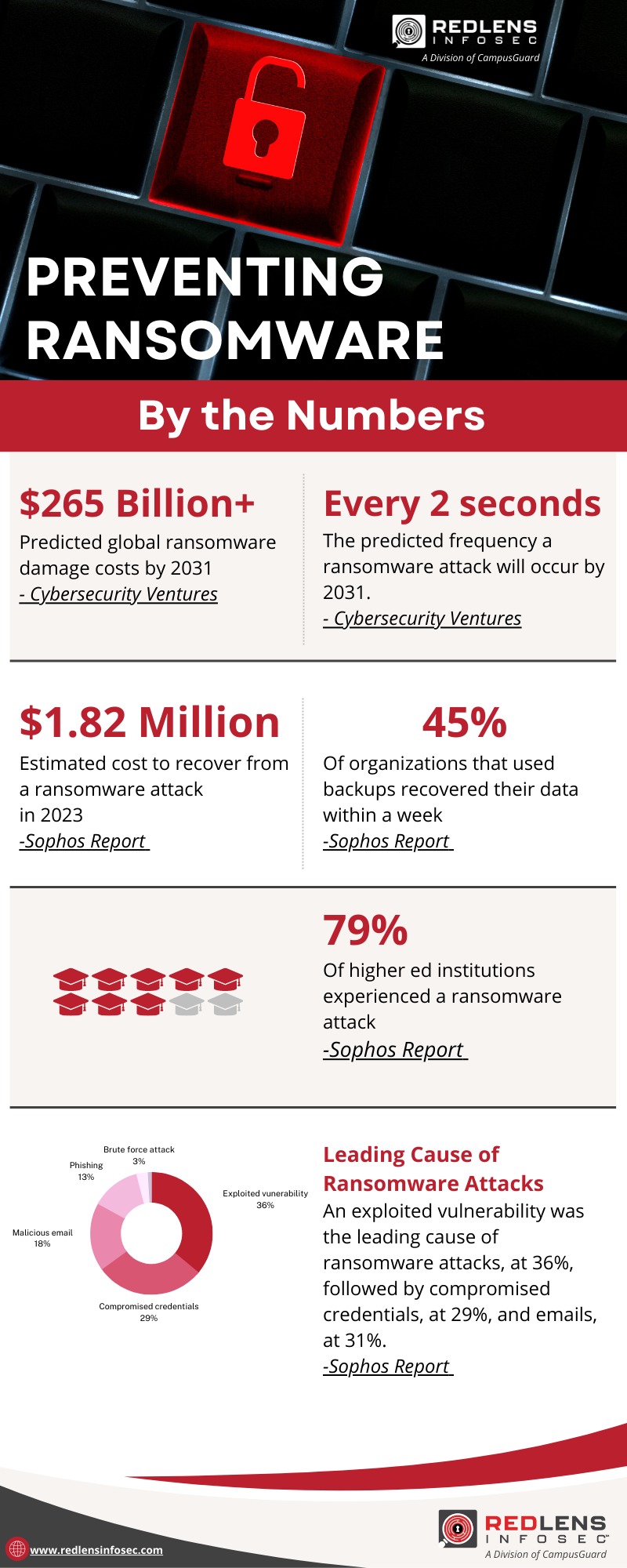
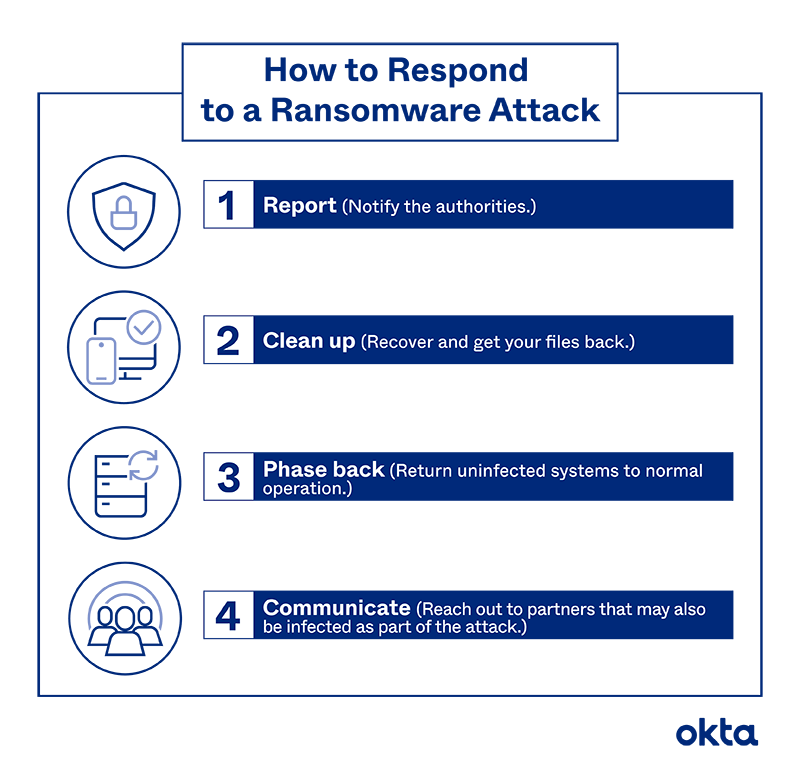
- Q: What are the consequences of a ransomware attack? A: The consequences of a ransomware attack can be severe, including lost productivity, financial losses, and damage to your reputation.
- Q: Can I recover my files from a ransomware attack? A: Yes, you may be able to recover your files from a ransomware attack by using backup software and restoring your files from a previous backup.