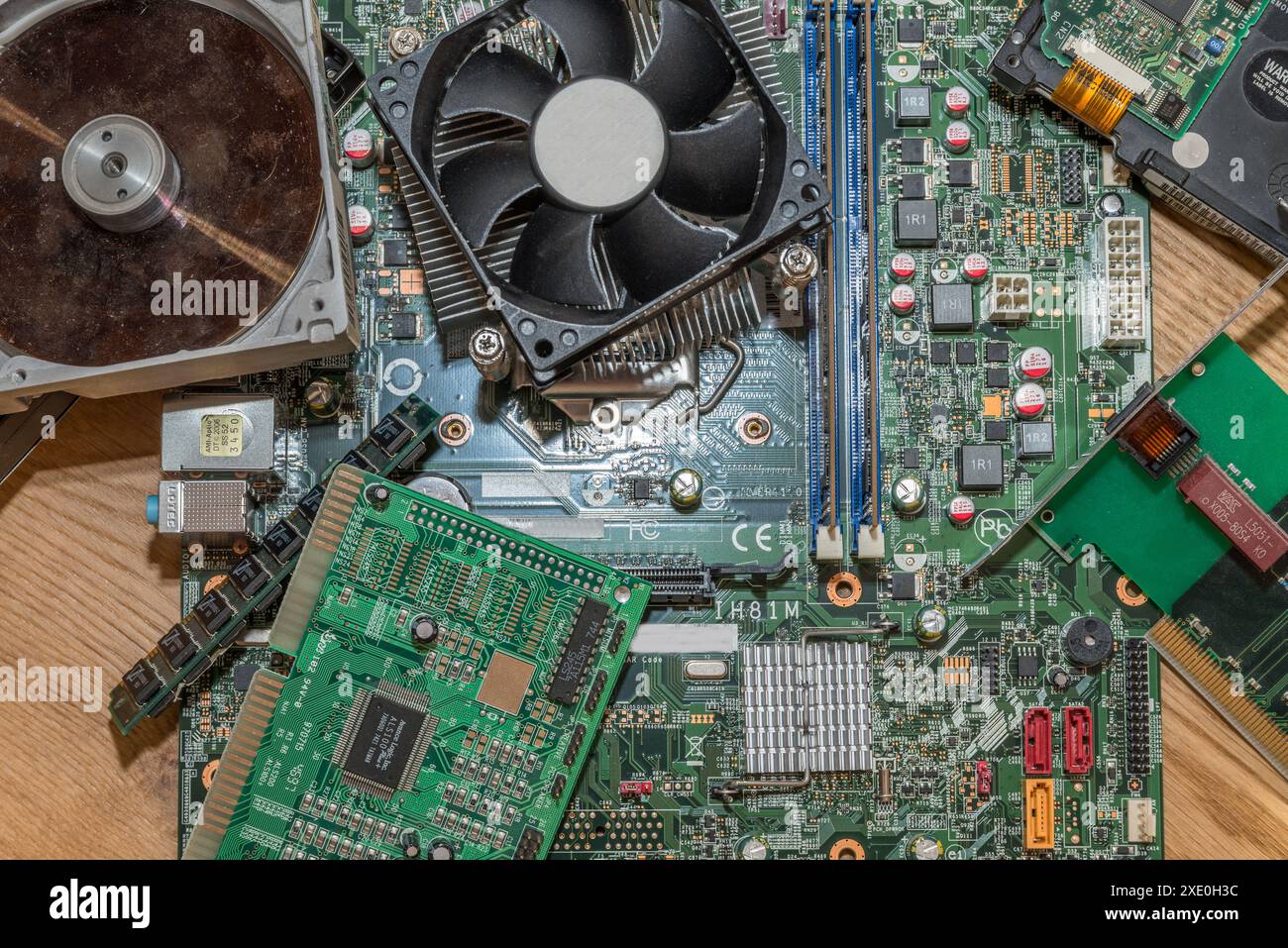
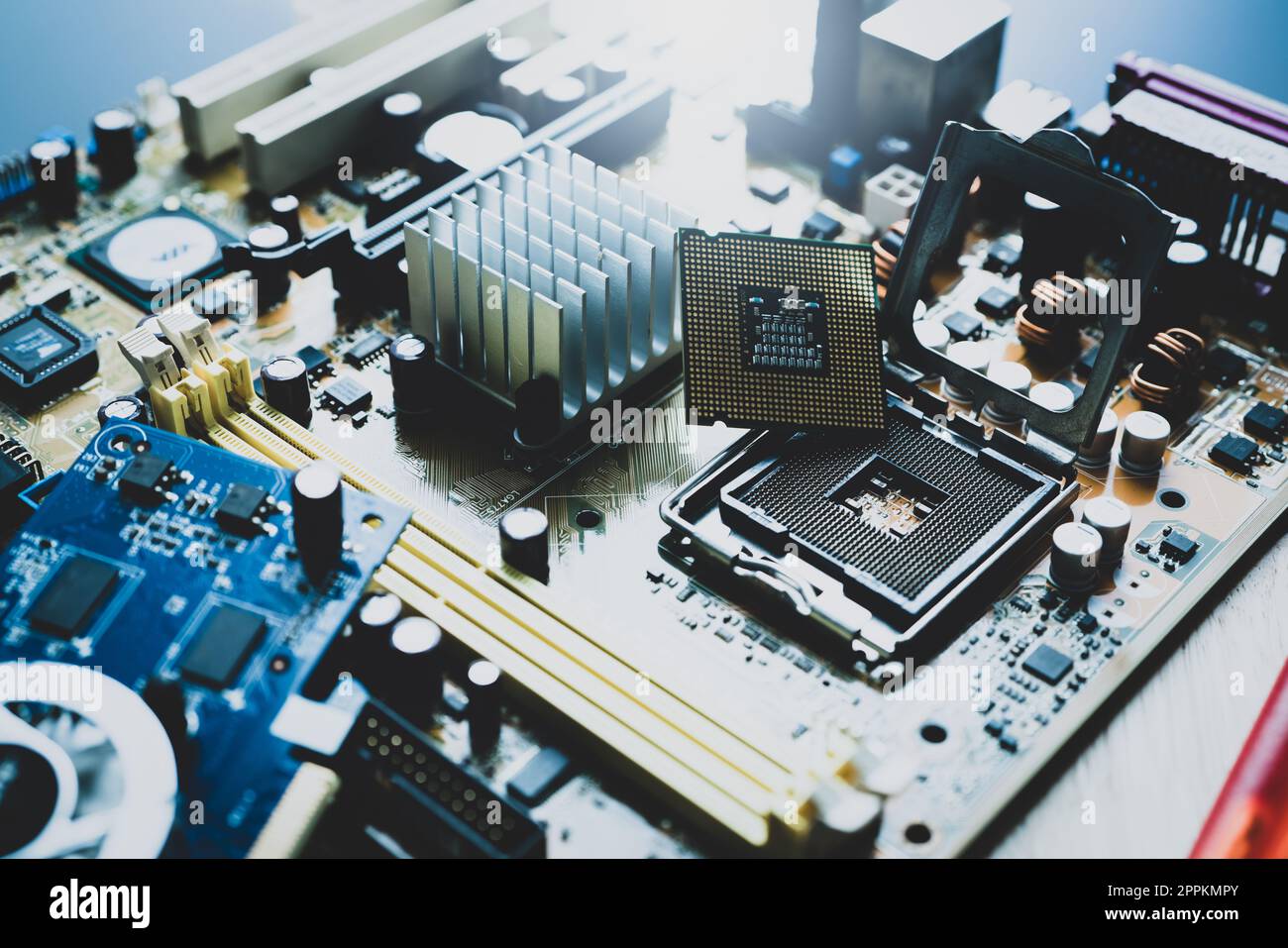
PC Component Upgrades: A Comprehensive Guide to Boosting Your Computer's Performance
Are you tired of dealing with a slow and outdated computer? Do you want to breathe new life into your outdated system without breaking the bank? Upgrading your PC's components is a cost-effective way to boost your computer's performance, and in this article, we'll walk you through the process of identifying the right components to upgrade, how to choose the best ones, and what to expect from the upgrade process.
Why Upgrade Your PC Components?
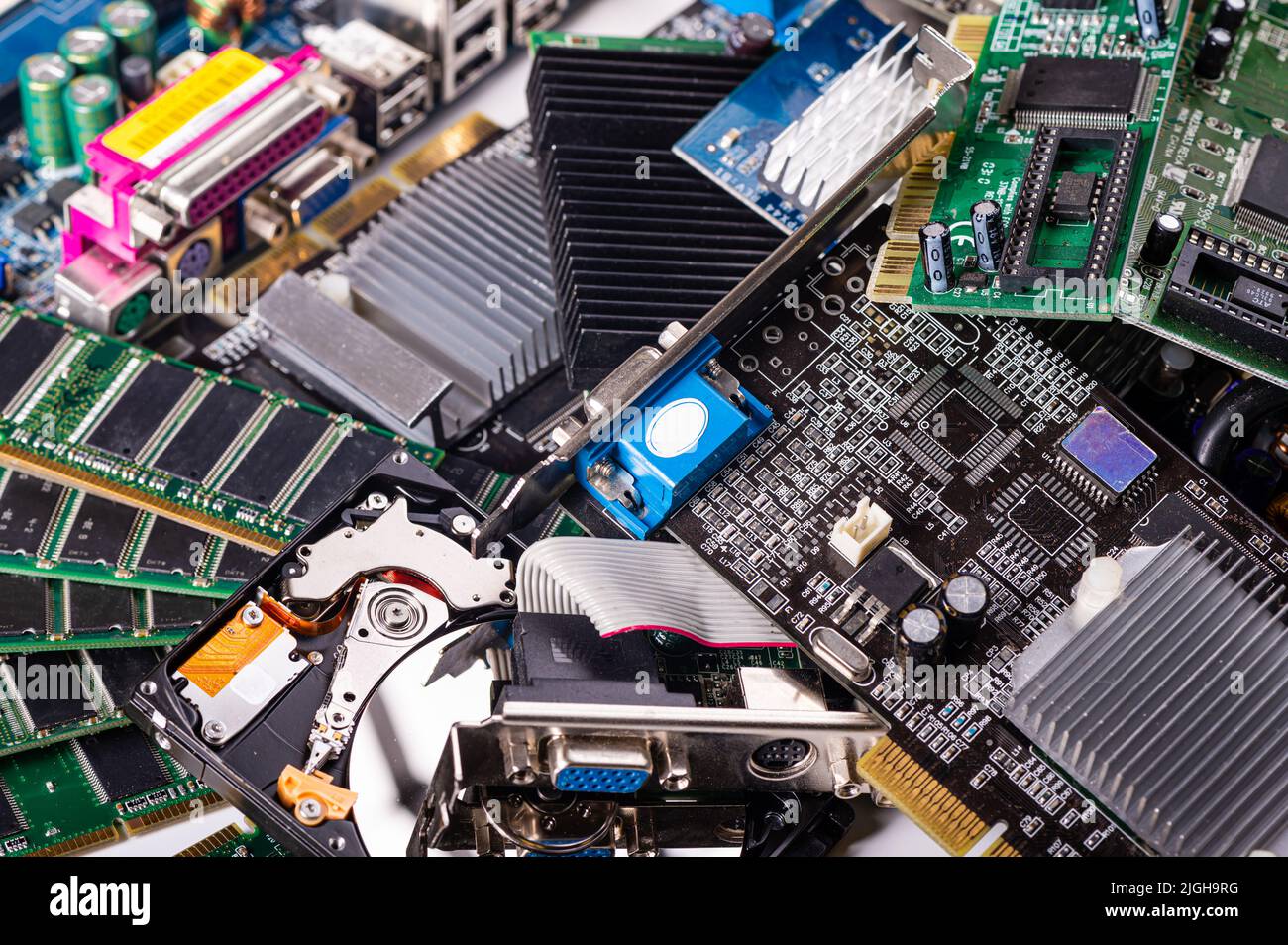
Over time, your computer's components can become outdated, leading to decreased performance, reduced processing speed, and a general lack of efficiency. Upgrading your PC's components can help address these issues, allowing you to:
- Improve processing speeds
- Enhance graphics rendering
- Increase storage capacity
- Boost overall system performance
Identifying the Right Components to Upgrade
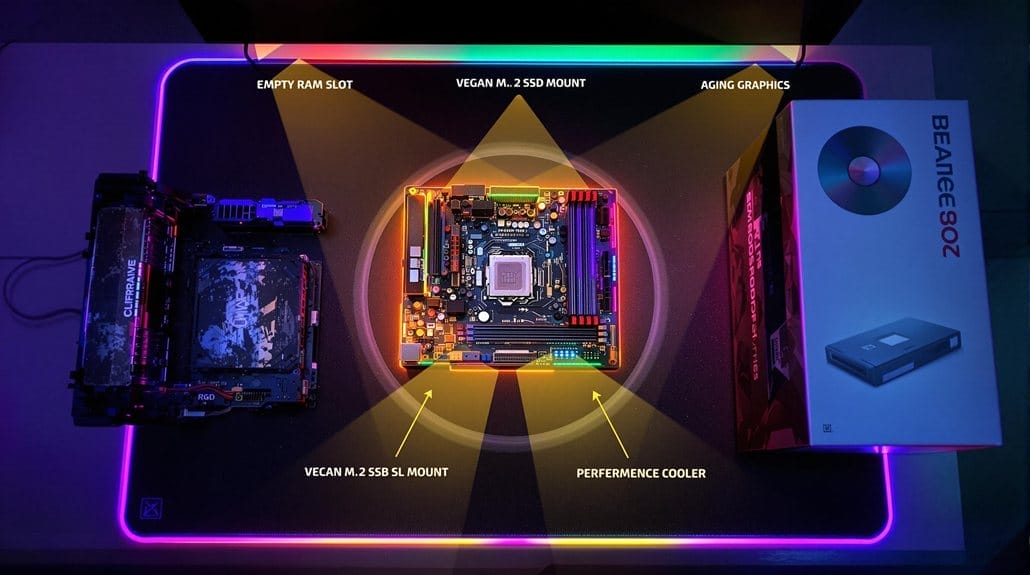
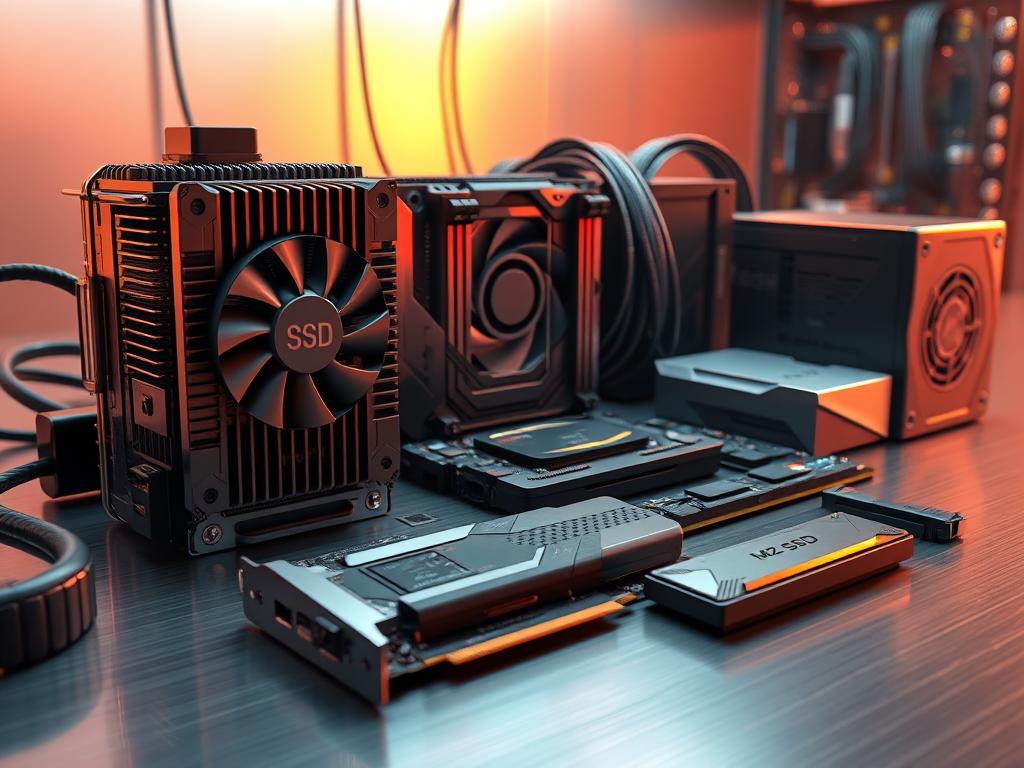
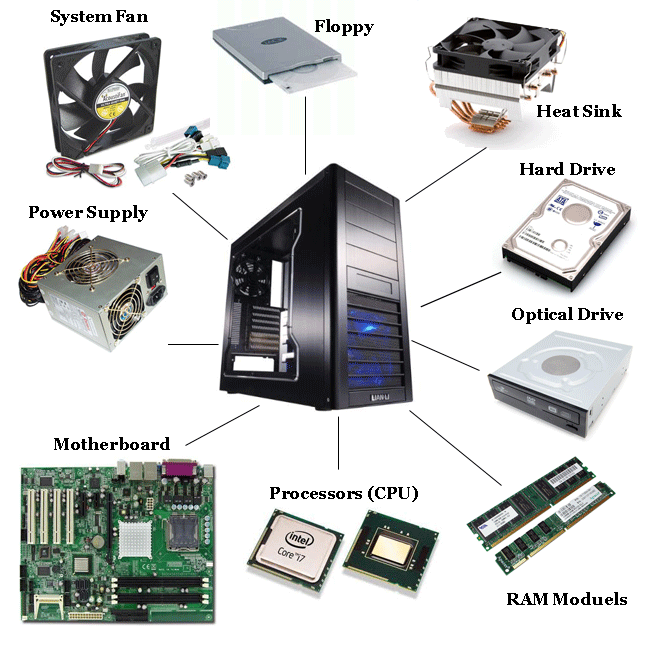
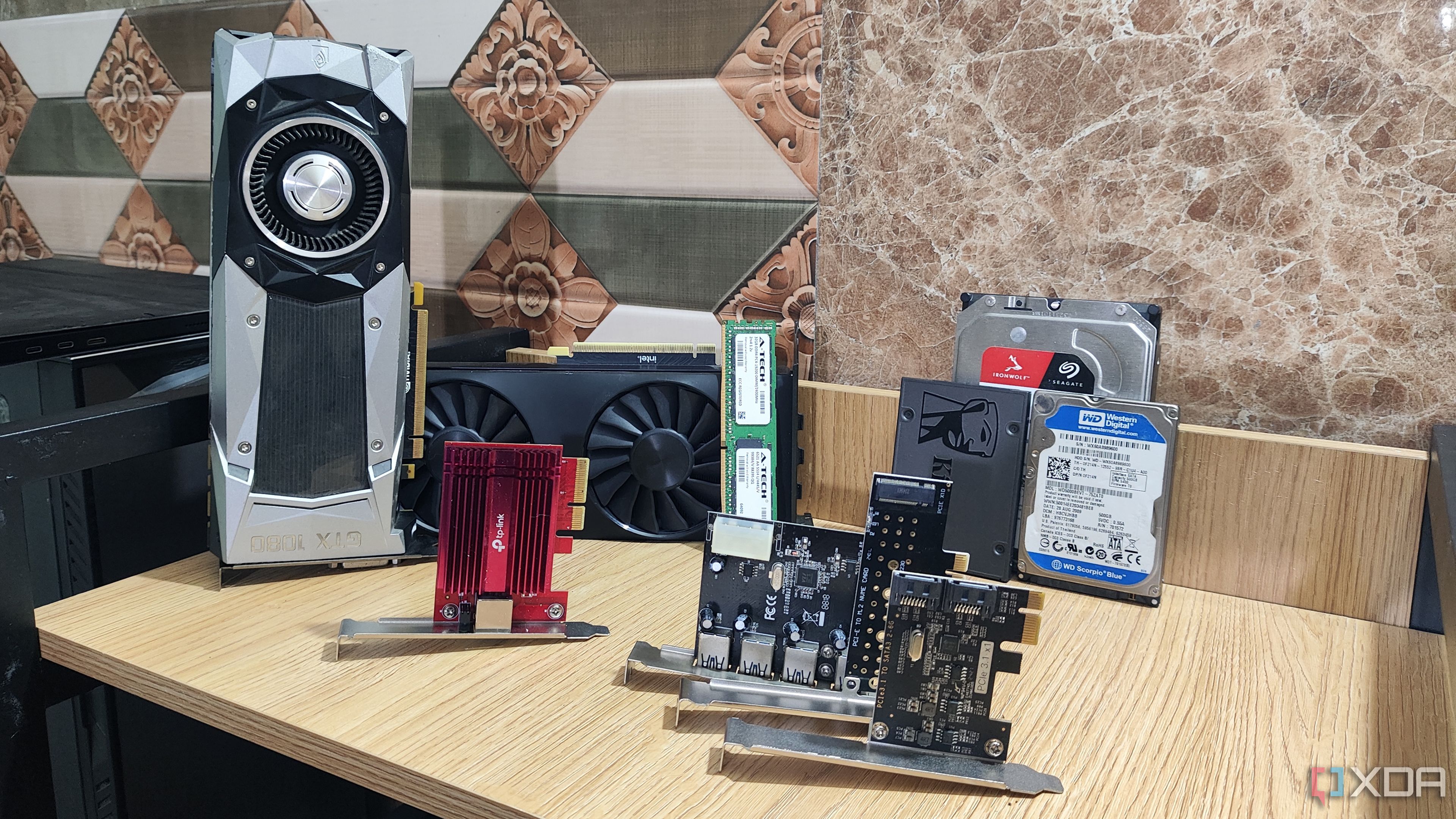
Not all components are created equal, and some are more critical to upgrading than others. Here are some of the key components to consider upgrading:
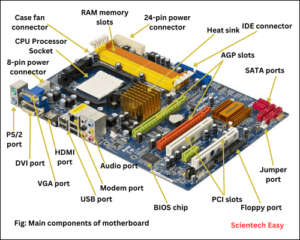
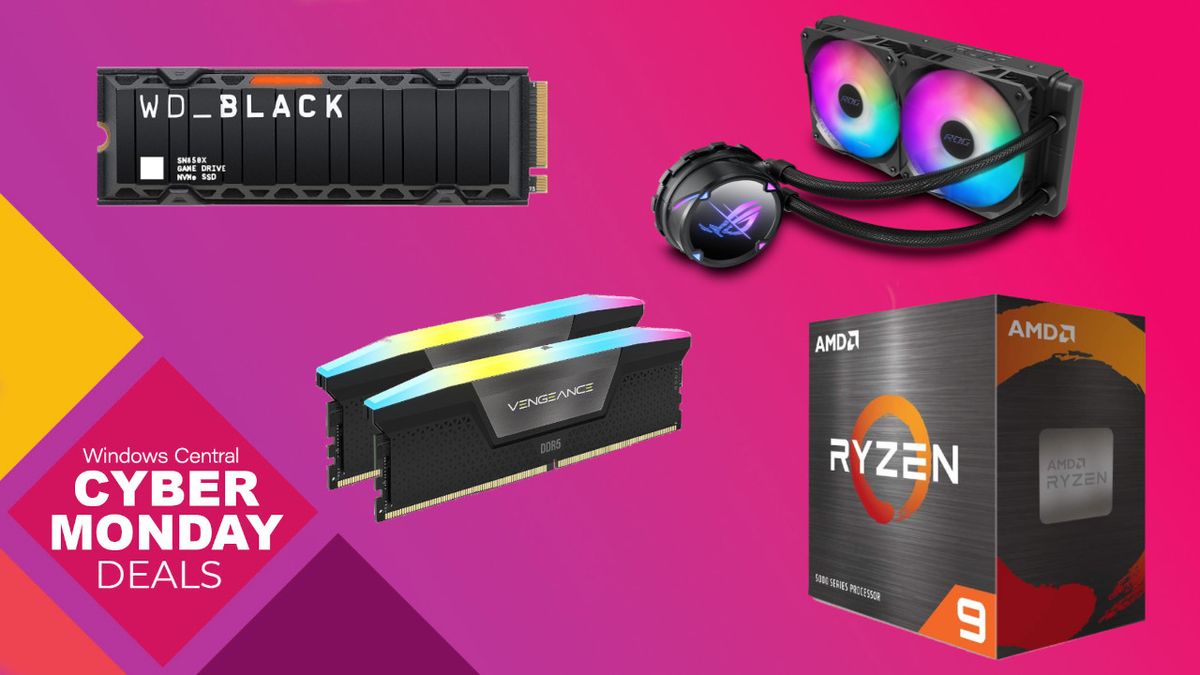
- Central Processing Unit (CPU): The brain of your computer, responsible for executing instructions and processing data.
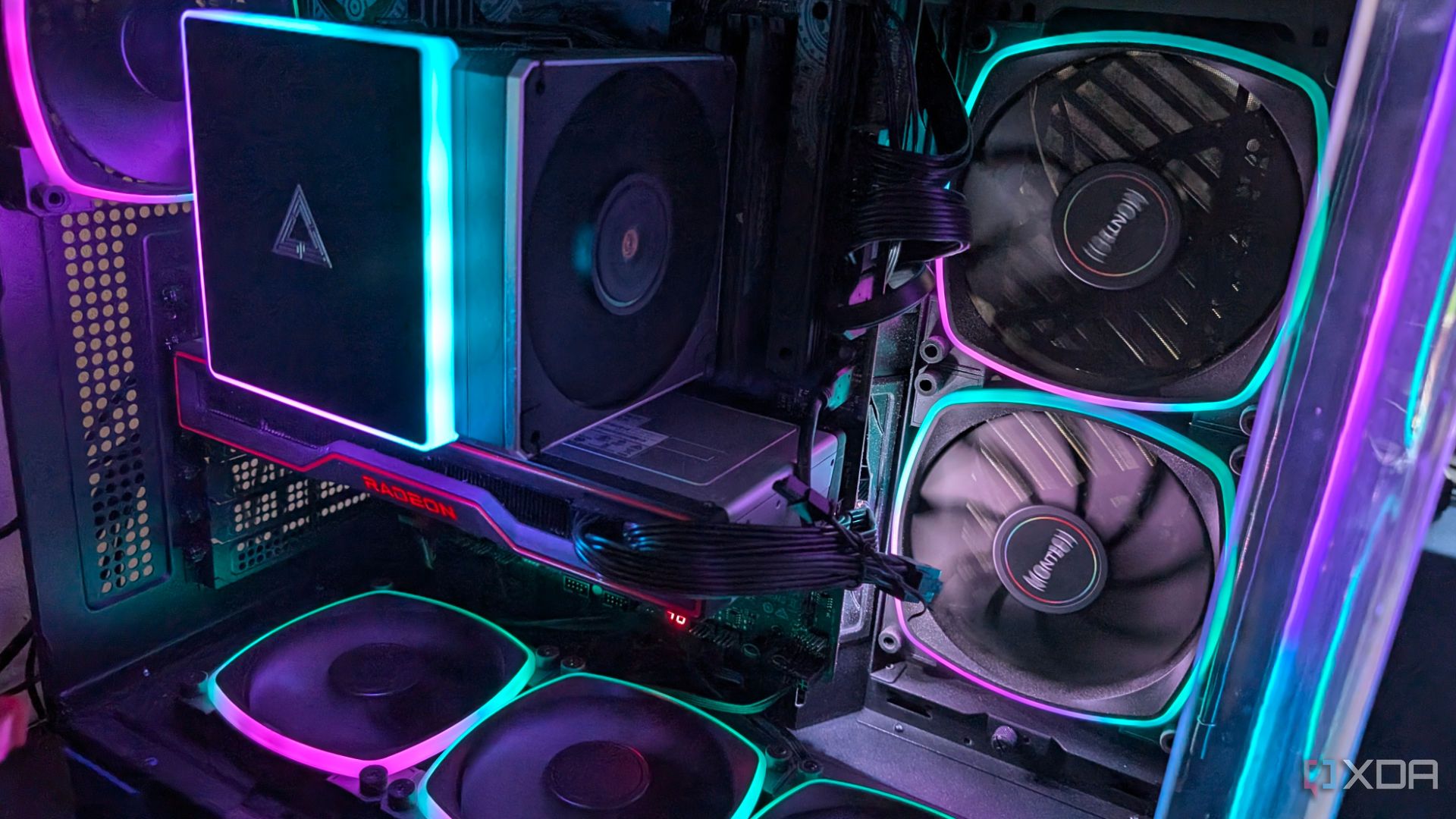
- Graphics Processing Unit (GPU): Handles graphics rendering and computations, vital for gaming and graphics-intensive tasks.
- Memory (RAM): Temporary storage for data, with more RAM allowing for faster multitasking and improved system performance.
- Storage Drive: A solid-state drive (SSD) can significantly improve system boot times and overall performance.
- Power Supply (PSU): A high-wattage PSU can ensure your computer's components are receiving sufficient power, preventing overheating and damage.
Choosing the Right Components
With so many components to choose from, selecting the right ones can be overwhelming. Here are some factors to consider when upgrading your PC components:
- Compatibility: Ensure the new component is compatible with your existing system and any other upgrades you plan to make.
- Performance: Choose components with Performance Cores (P-cores) and Efficiency Cores (E-cores) that balance speed and power efficiency.
- Budget: Set a budget and stick to it, as upgrading components can be an expensive process.
Upgrading Your PC Components: A Step-by-Step Guide
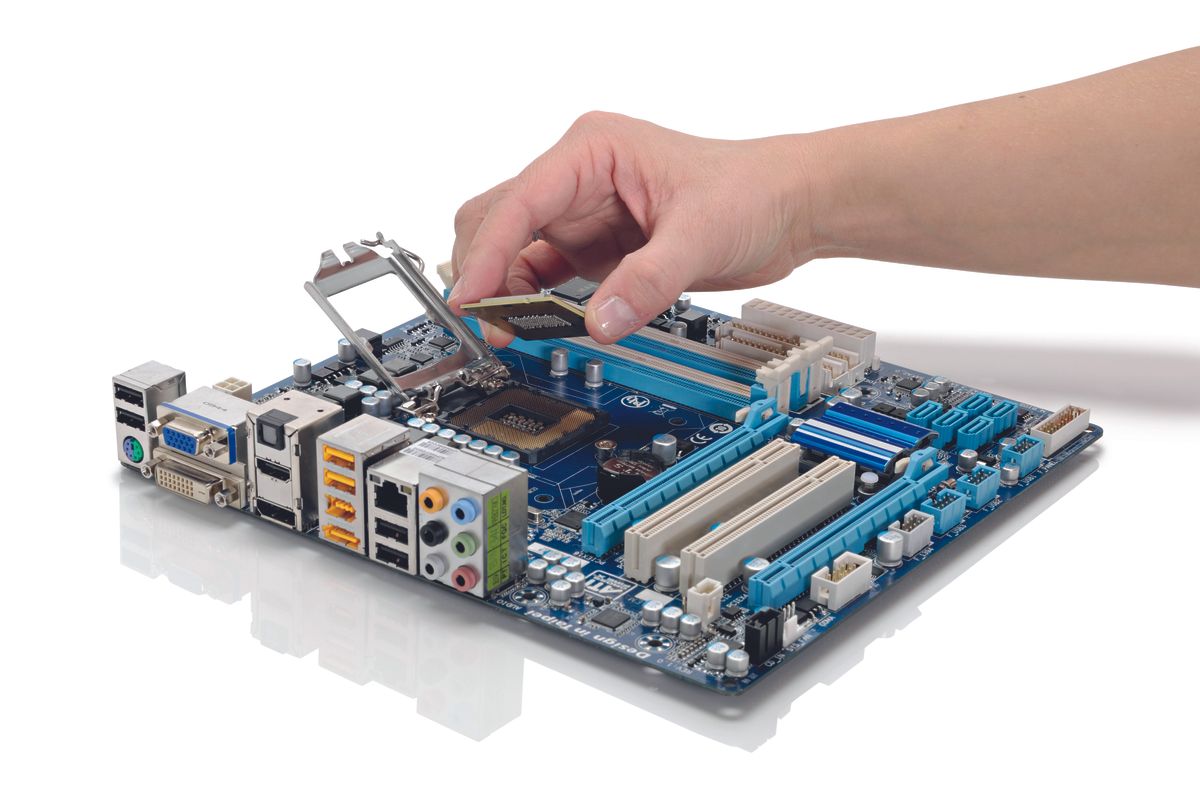
Upgrading your PC components can be a relatively straightforward process, but it does require some technical knowledge and caution. Here's a step-by-step guide to help you through the process:
- Shut down your computer and unplug the power cord.
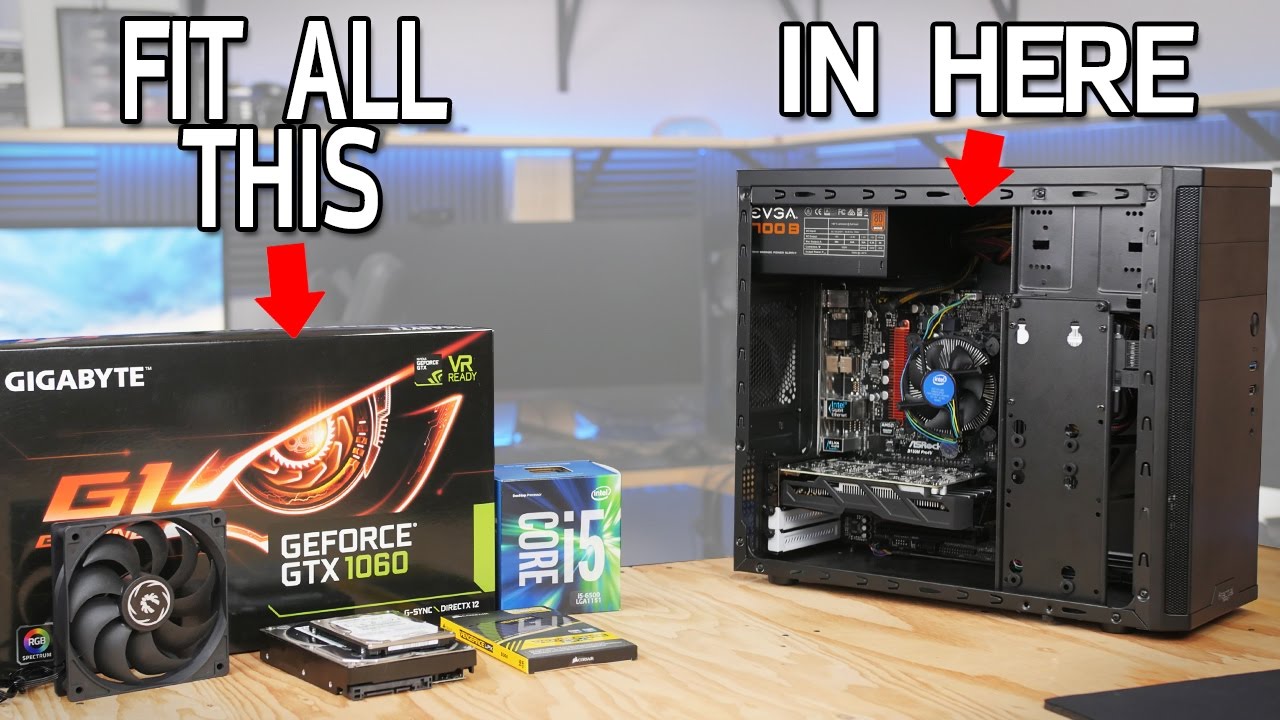
- Identify the component you want to upgrade and any adjacent components that may need to be removed or relocated.
- Follow the manufacturer's instructions for upgrading the component, taking note of any special requirements or precautions.
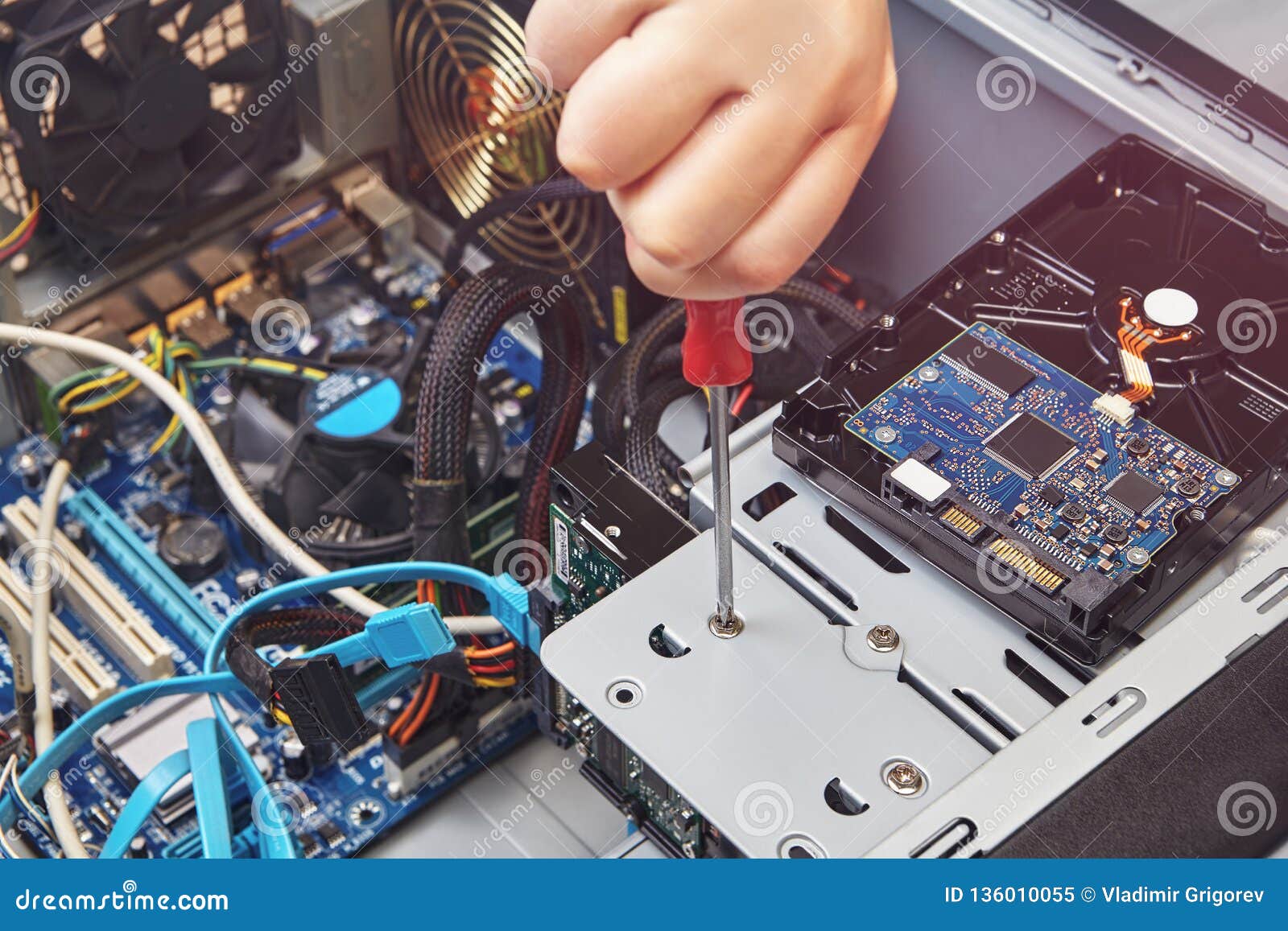
- Install the new component, ensuring proper connections and secure installation.
- Connect the new component to the rest of the system, taking care to avoid any damage to the surrounding components.
Conclusion
Upgrading your PC components can be a great way to breathe new life into an outdated system, improving performance, efficiency, and overall user experience. By understanding which components to upgrade, how to choose the right ones, and following the upgrade process carefully, you can enjoy a faster, more responsive computer that meets your needs and exceeds your expectations.
Additional Resources
For more information on PC component upgrades, be sure to check out the following resources:
- PCBuilder: A user-friendly website that allows you to pick parts, check compatibility, and build a perfect computer effortlessly.
- Choose Your Parts: A handy tool that helps you choose the right components for your build, including precision analysis and exact bottleneck identification.
- Narrowing Down Upgrades: A comprehensive guide to help you choose the most beneficial upgrade and prioritization for your PC components.
Disclaimer
The information provided in this article is for general purposes only and may not be applicable to your specific situation. Upgrading your PC components can be a complex process, and it's recommended that you consult a professional or follow the manufacturer's guidelines to ensure a safe and successful upgrade process.