Best Practices for Securing Wi-Fi Router: Protect Your Home Network from Cyber Threats
Boost Your Router Security with Expert Tips: Learn How to Safeguard Your Home Network
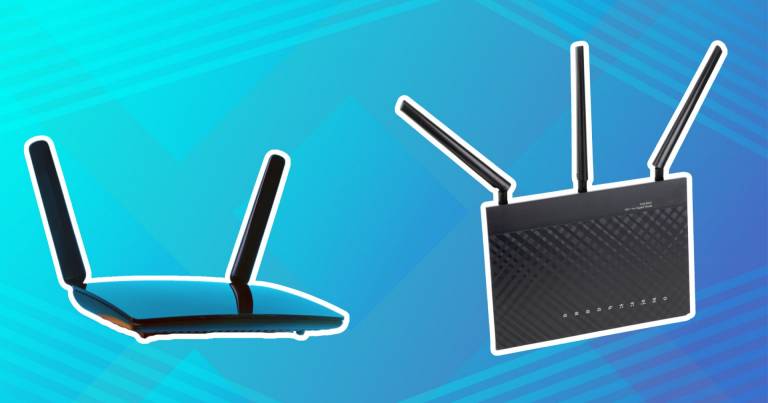
Are you aware of the importance of securing your Wi-Fi router? As a vital component of your home network, a router is a prime target for malicious cyber actors. If your security is lax, they can gain access to your personal, private, and confidential information. To avoid being a victim, take 15 minutes to follow these best practices for securing your Wi-Fi router and protect your home network from hackers and unauthorized access.Why Securing Your Wi-Fi Router Matters
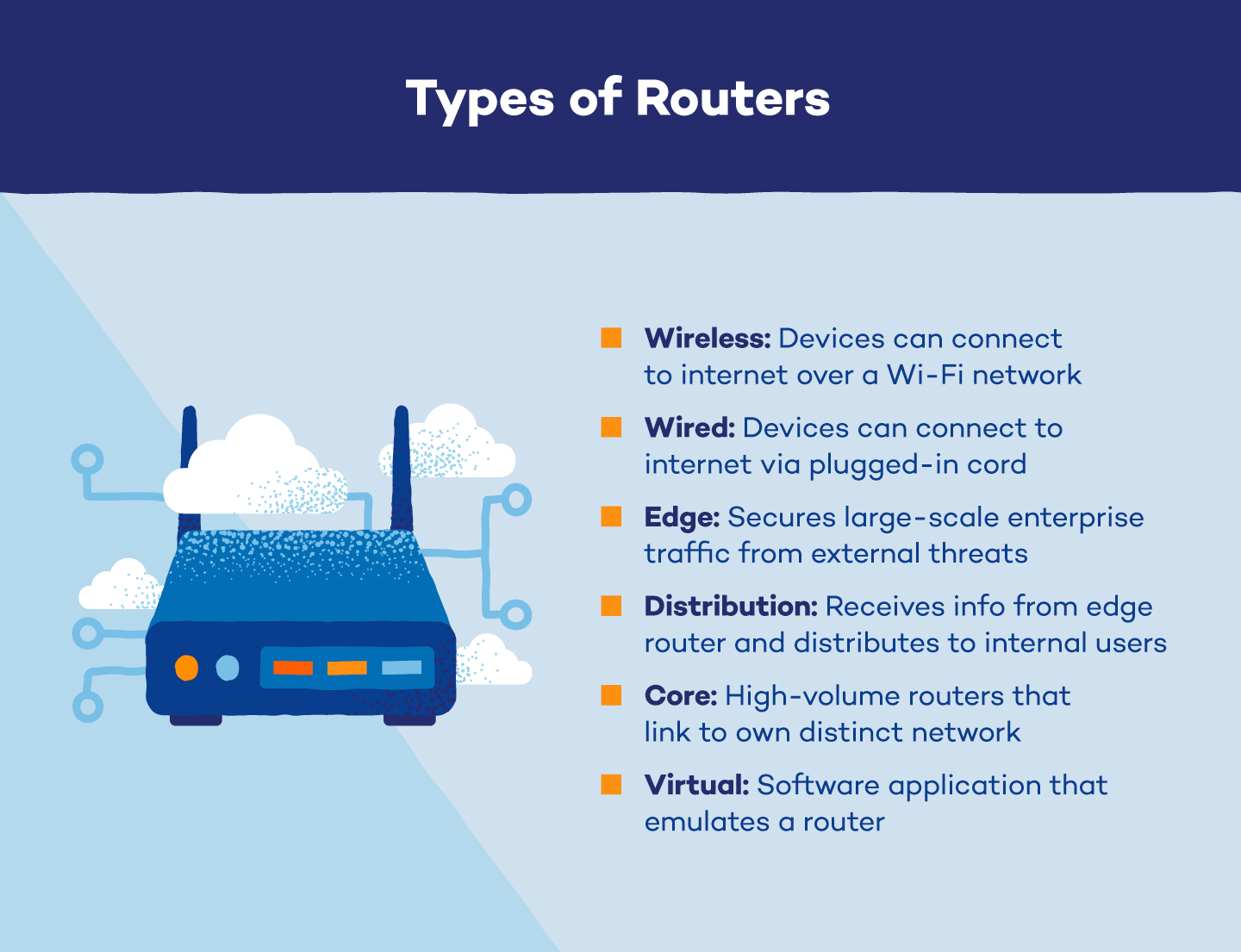
Routers serve as a gateway between your internet and your devices, making them a potential entry point for cyber threats. If your router is not secure, you may be exposing your home network to vulnerabilities that can be exploited by malicious actors. Moreover, if your router is compromised, you may also be putting your devices and data at risk.12 Essential Best Practices for Securing Your Wi-Fi Router
To protect your home network from cyber threats, follow these 12 essential best practices for securing your Wi-Fi router:- Use Strong, Unique Passwords: Ensure all Wi-Fi thermostats and network devices have complex, unique passwords. Avoid default passwords, and change them regularly to prevent unauthorized access.
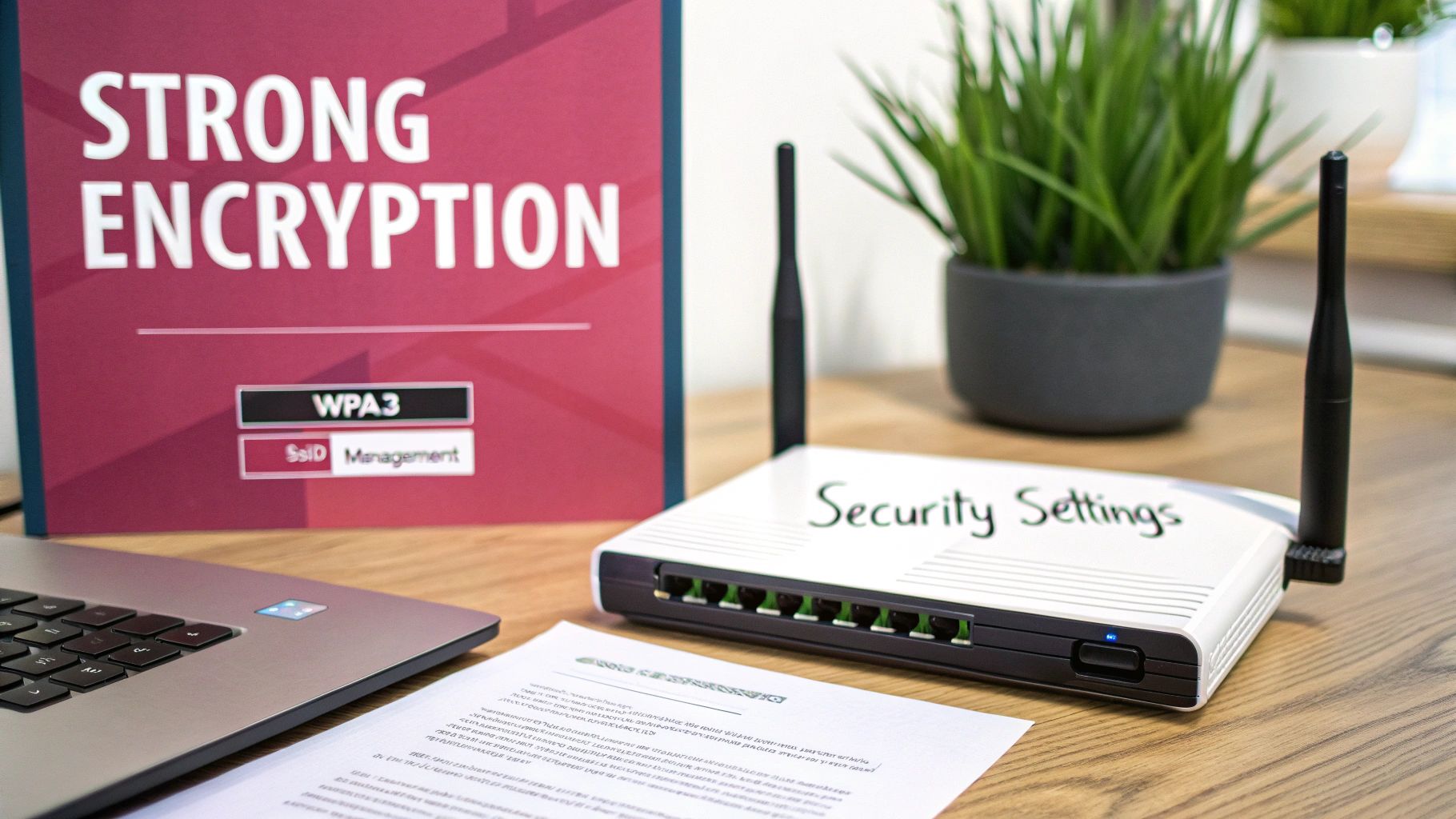
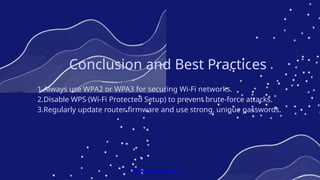
- Enable WPA3 Encryption: To enable the best encryption settings for home Wi-Fi, log into your router's admin panel, navigate to the "Wireless" or "WLAN" settings, and select "WPA3" or "WPA2-AES" from the security options.
- Update Firmware Regularly: Regular firmware updates can help patch vulnerabilities and keep your router secure.
- Disable WPS and Remote Access: Unless you need admin-level access to your router from outside your home, disable WPS (Wi-Fi Protected Setup) and remote access features to prevent unauthorized access.
- Use a Secure Network Name (SSID): Use a unique and non-descriptive SSID to prevent attackers from identifying your network.
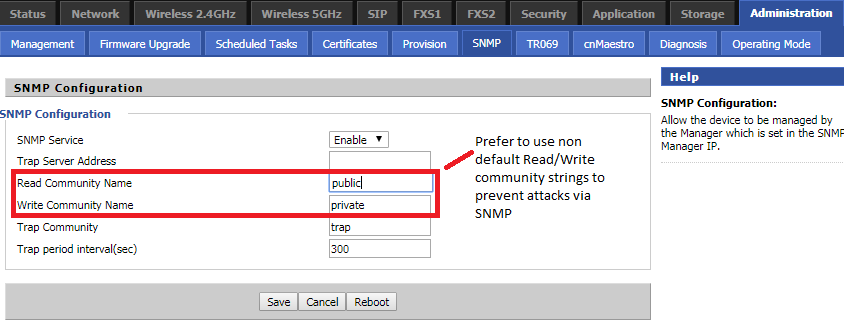
- Change Default Administrator Credentials: Manufacturers often ship routers with default administrator credentials. Change these to secure your router and prevent unauthorized access.
- Use MAC Address Filtering: Block MAC addresses that are not recognized by your router to prevent unauthorized access to your network.
- Enable Two-Factor Authentication (2FA): Add an extra layer of security to your router by enabling 2FA, which requires both a password and a verification code from a mobile app or email to access the admin panel.
- Regularly Back Up Your Router's Configuration: Keep a backup of your router's configuration in case you need to restore it or replace your router.
- Keep Your Router's Software Up to Date: Ensure your router's software is up to date to receive the latest security patches and features.
- Monitor Your Network Activity: Regularly check your network activity to detect any suspicious behavior or unauthorized access.
- Use a VPN (Virtual Private Network): Use a VPN to encrypt your internet traffic and protect your data from cyber threats when using public Wi-Fi networks.
Additional Tips for Securing Your Wi-Fi Router
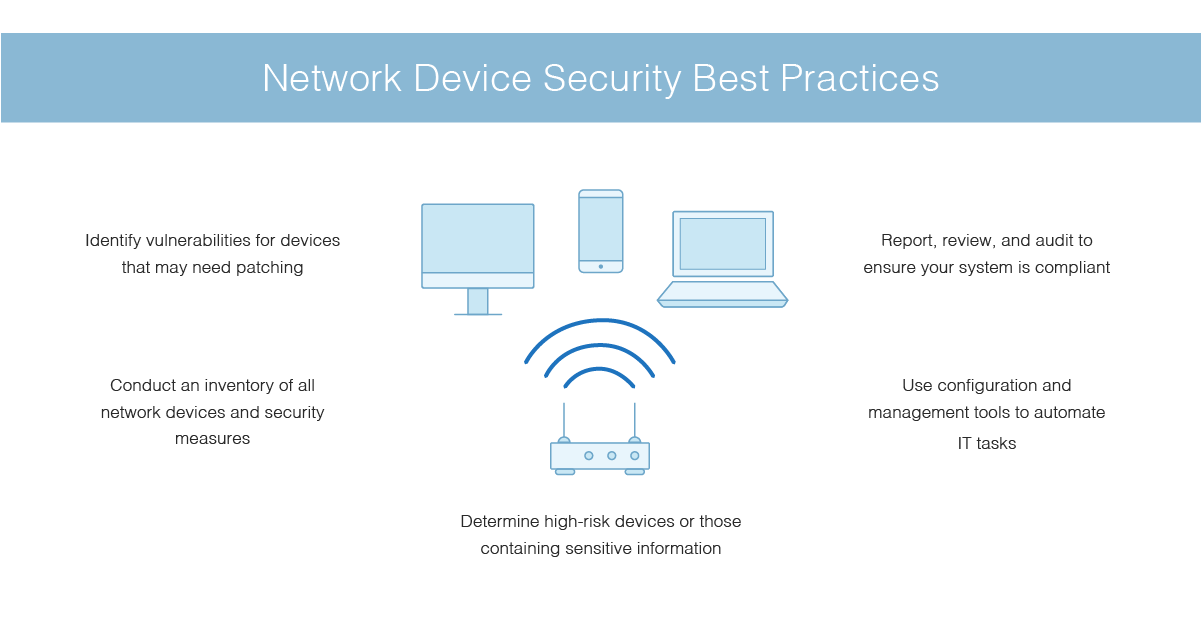
In addition to the above best practices, consider the following tips to further secure your Wi-Fi router:- Cycle Through Router Firmware: Regularly cycle through your router's firmware to ensure you're using the latest version.
- Remove Unused Devices: Remove any devices that are no longer in use to prevent them from being used for cyber attacks.
- Use a Network Segmentation: Divide your network into separate segments to isolate sensitive devices and data from the rest of your network.
- Implement a Guest Network: Create a separate guest network for visitors to prevent them from accessing your main network.
- Use a Router with Built-in Security Features: Consider using a router with built-in security features, such as a built-in firewall or intrusion detection system.